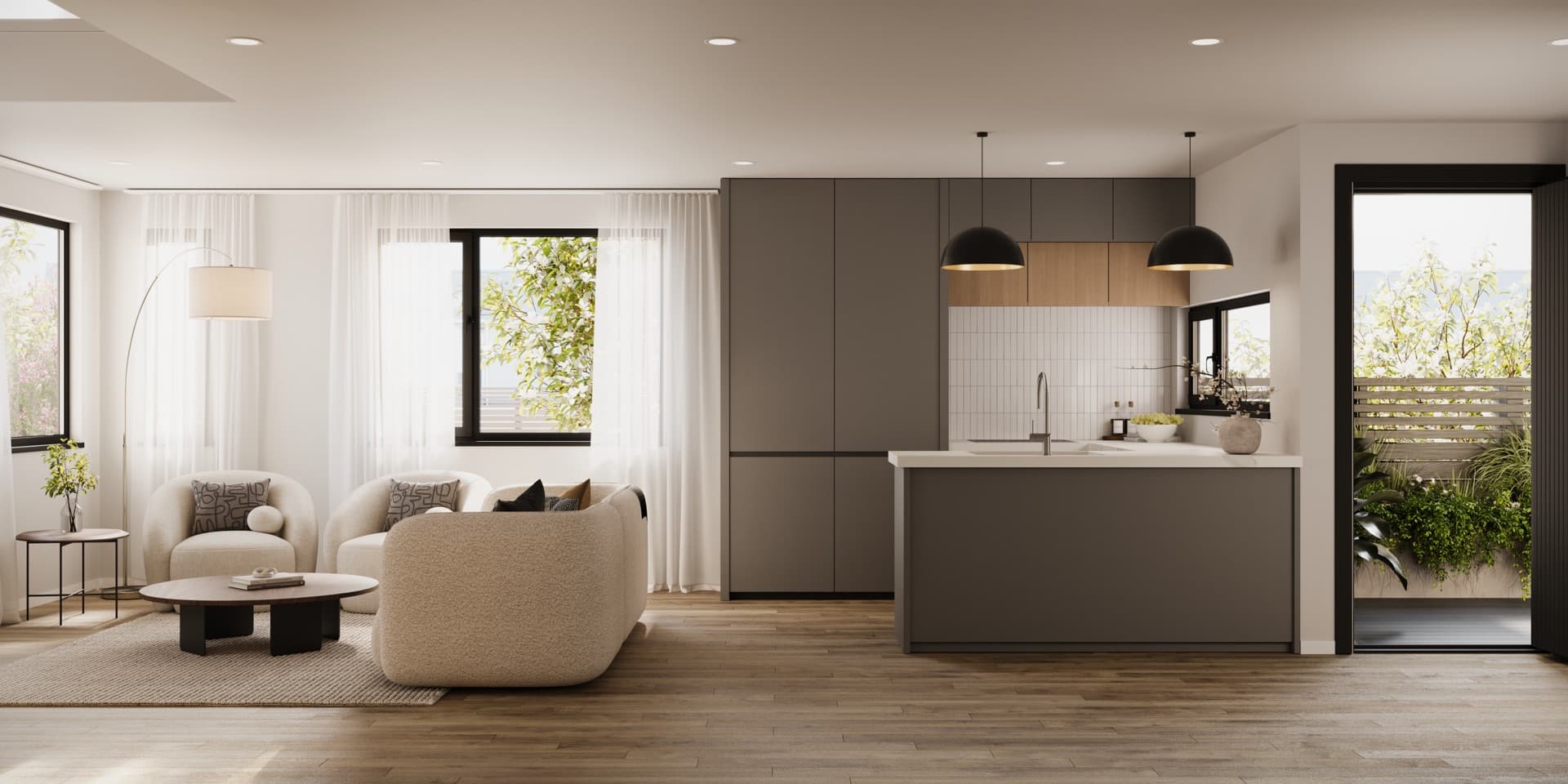
View Road
Residential interior imagery matched to the project finishes and lighting, supplied with and without people.
Renders by project type
Apartment development renders show the building, the homes inside it and the spaces residents share before construction is complete. Render Works produces exterior and interior visualisation for Australian development campaigns. Scope the image set around the apartment layouts, balconies, entrances and amenities buyers need to understand, with each view tied to the correct dwelling type and specification.
An apartment campaign needs to explain both the building and the individual home. Start with an exterior that establishes the architecture and entrance, then choose interiors that represent the layouts buyers will compare. Include balconies and shared spaces where they are part of the proposed design.
| View | What it explains | What to confirm |
|---|---|---|
| Building exterior | Architecture, street presence and arrival | Facade, entry and neighbouring context |
| Kitchen and living | Layout, finishes and connection to outdoor space | Apartment type and furniture scale |
| Balcony or terrace | Usable outdoor area and its outlook | Level, orientation, balustrade and background |
| Bedroom and bathroom | Storage, proportions and finish selections | Layout and the correct specification |
| Lobby and shared spaces | How residents arrive and use the building | Approved design and amenity inclusions |
| Site or aerial view | Building arrangement and surrounding streets | Site information and camera position |
Give each proposed view a reason to exist. A second living-room image is useful when it shows a different layout or aspect. If the change is only a finish option, discuss whether a matched version of the same view would explain it more clearly.
Group homes by the differences buyers can see: layout, finish scheme, outdoor space and outlook. A shared interior can represent a repeated apartment type when the marketing clearly identifies that type. Distinct penthouses, ground-floor terraces or corner layouts may need their own views.
Create a simple image schedule linking each render to its apartment type and intended uses. Keep this alongside the floor plans so the sales team can pair images with the right home. The off-the-plan brochure checklist covers how to carry that labelling into the final document.
Agree on the level, camera position and orientation before creating a balcony view. Supply the site survey and relevant photographs, with capture positions or other location information where available. If a real photograph forms the background, it needs to correspond to the represented viewpoint.
The neighbouring buildings, balcony depth and balustrade should remain part of the image. They help buyers understand the outdoor space as well as the distant outlook. Keep any view-specific explanation with the image when it is used on the website or in a brochure.
Identify any unresolved materials at the start. A provisional kitchen selection can otherwise spread across several apartment images, the brochure and the website before it is corrected. Use the render approval checklist to review the full set against the current design.
Stills let buyers study a room or compare layouts. Film can show the connection between an entrance, living space and balcony, or explain the movement through shared areas. Choose scenes around those relationships before deciding how many clips the campaign needs.
Share the brochure layout and website requirements while cameras are being selected. A wide living-room render may need a separate composition for a portrait advertisement. Plan that framing early so essential features remain visible in the final crop.
The residential examples below show interior visualisation and coordinated campaign presentation. View Road demonstrates a room-focused image set; Horsham combines renders, an identity and a website.
These New Zealand projects show the interior and campaign work that informs our approach to visualisation.
Residential interior imagery matched to the project finishes and lighting, supplied with and without people.
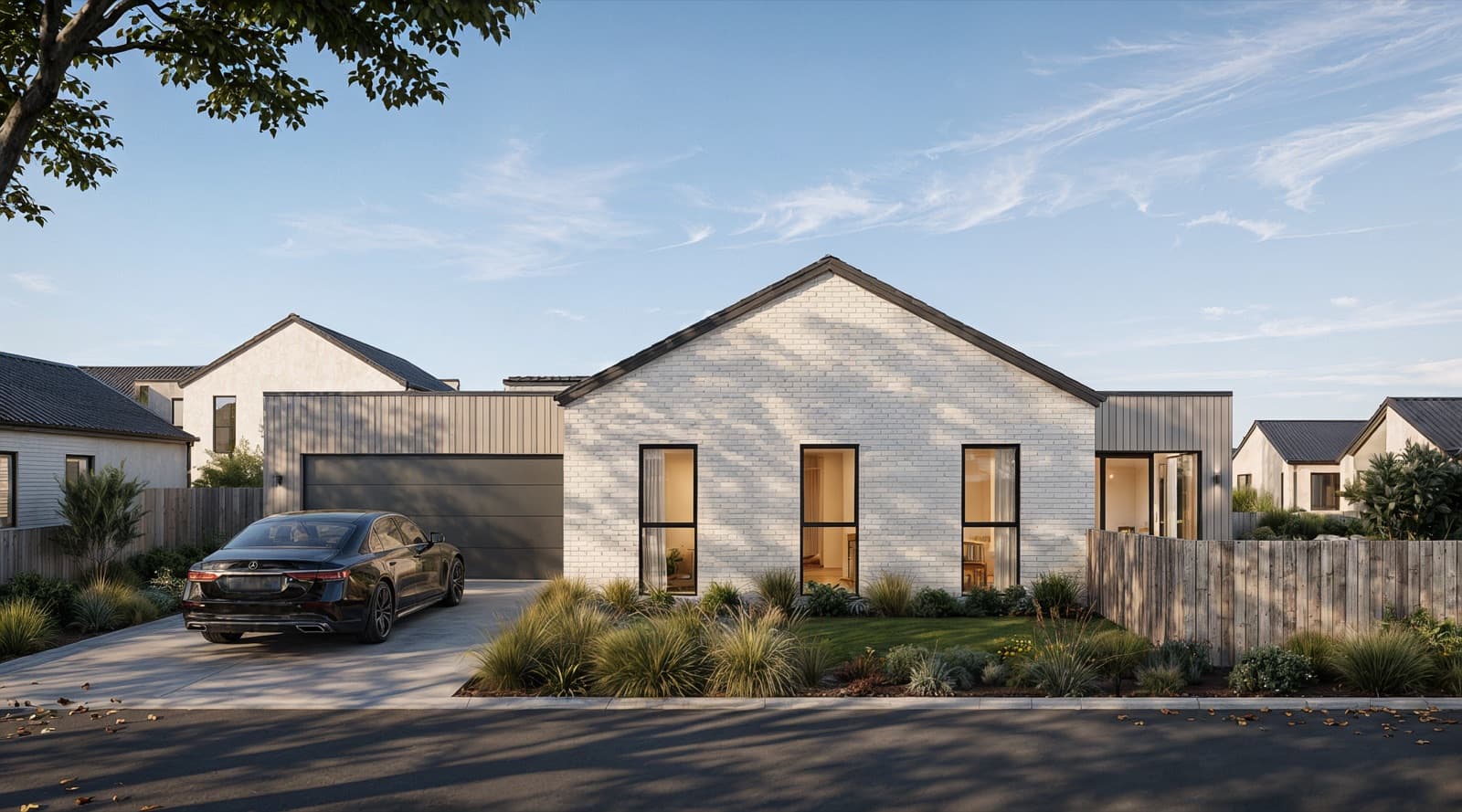
A residential campaign combining renders, a brand identity and a bespoke website for Pragma Homes.
Yes, where those homes share the represented layout and finishes. Identify the apartment type clearly and create separate views when the layout, outdoor space or outlook changes materially.
Yes. Supply the relevant architectural, landscape and finish information so the images show the proposed balcony, lobby or shared space accurately.
Confirm the camera position, level and orientation, and supply suitable site or view photography with capture information where available. Agree on the background before the final composition is produced.
Define those uses and required formats in the brief. We can plan the image set and compositions around the campaign, including any additional crops or versions needed.
Last updated 16 October 2026

Send the plans, apartment mix and campaign brief. We will help scope the exterior, interior and shared-space views.