Australian developers
What should an off-the-plan property brochure include?
Last updated
An off-the-plan property brochure should show what is being built, where it is, which homes are available to consider and how to enquire. Include the development overview, exterior and interior renders, readable floor plans, confirmed finishes, location information and sales contact details. Each image and plan should be clearly tied to the home or area it represents.
What order should the brochure follow?
Organise a development brochure around the questions a buyer asks when comparing homes. Establish the project and location first, then move into the building, the individual homes and the details needed for a conversation with the sales team.
The sequence below is an example structure, not a fixed page count. A duplex may need a short document; an apartment development with several layouts needs more room for comparison.
| Section | What to show | What the buyer learns |
|---|---|---|
| Cover and introduction | Project name, suburb and a strong exterior render | Which development this is |
| Building and arrival | Frontage, entrance, site plan and shared spaces | How the project fits together |
| Inside the homes | Living, kitchen and outdoor-space images | How daily life could work |
| Home choices | Labelled floor plans and the relevant dwelling types | Which layout suits them |
| Finishes | Confirmed materials and inclusion descriptions | What is specified |
| Location | A readable map and checked local information | Where the project sits |
| Enquiry | Sales contact, website and a clear next step | How to get more information |
Which renders should go in a brochure?
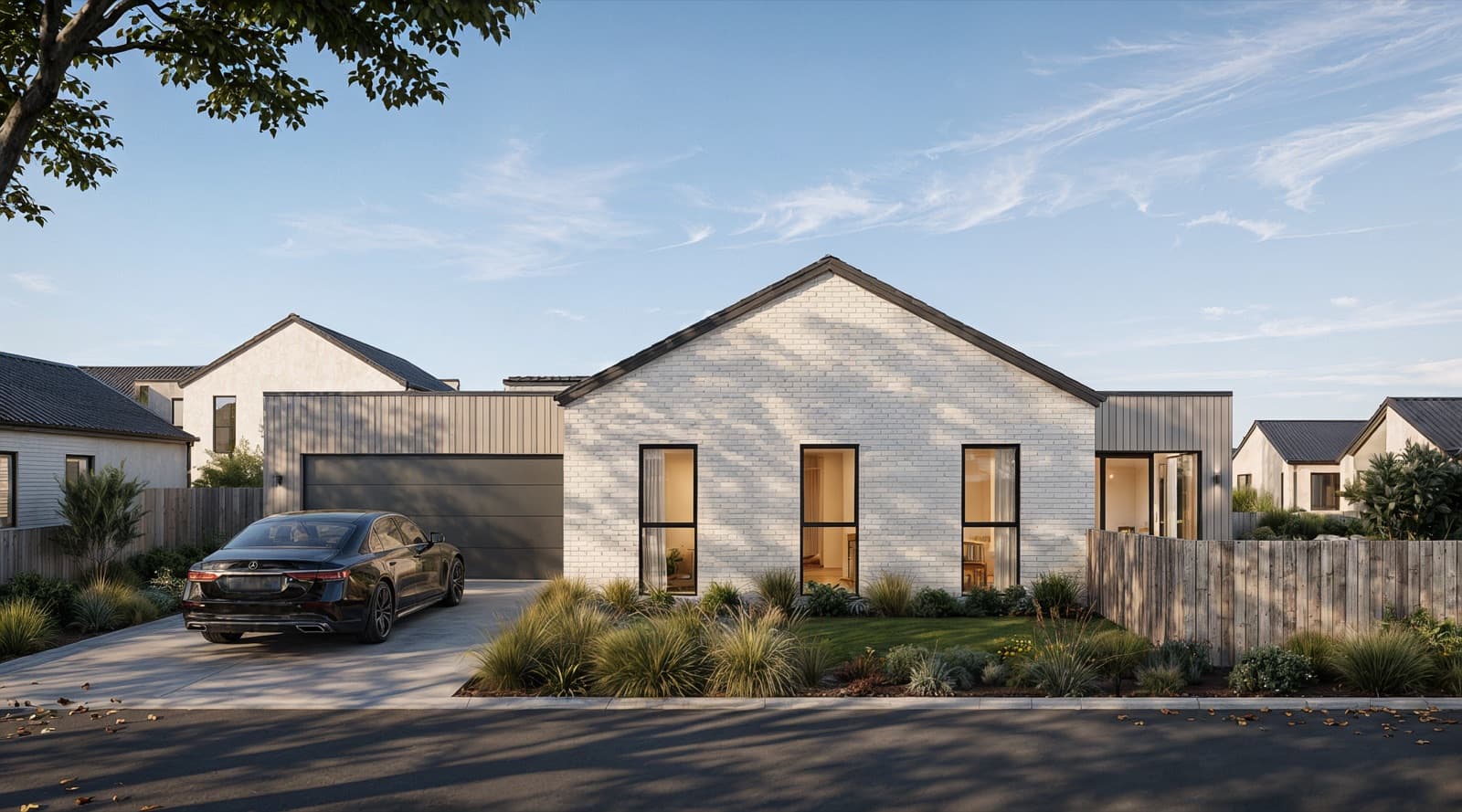
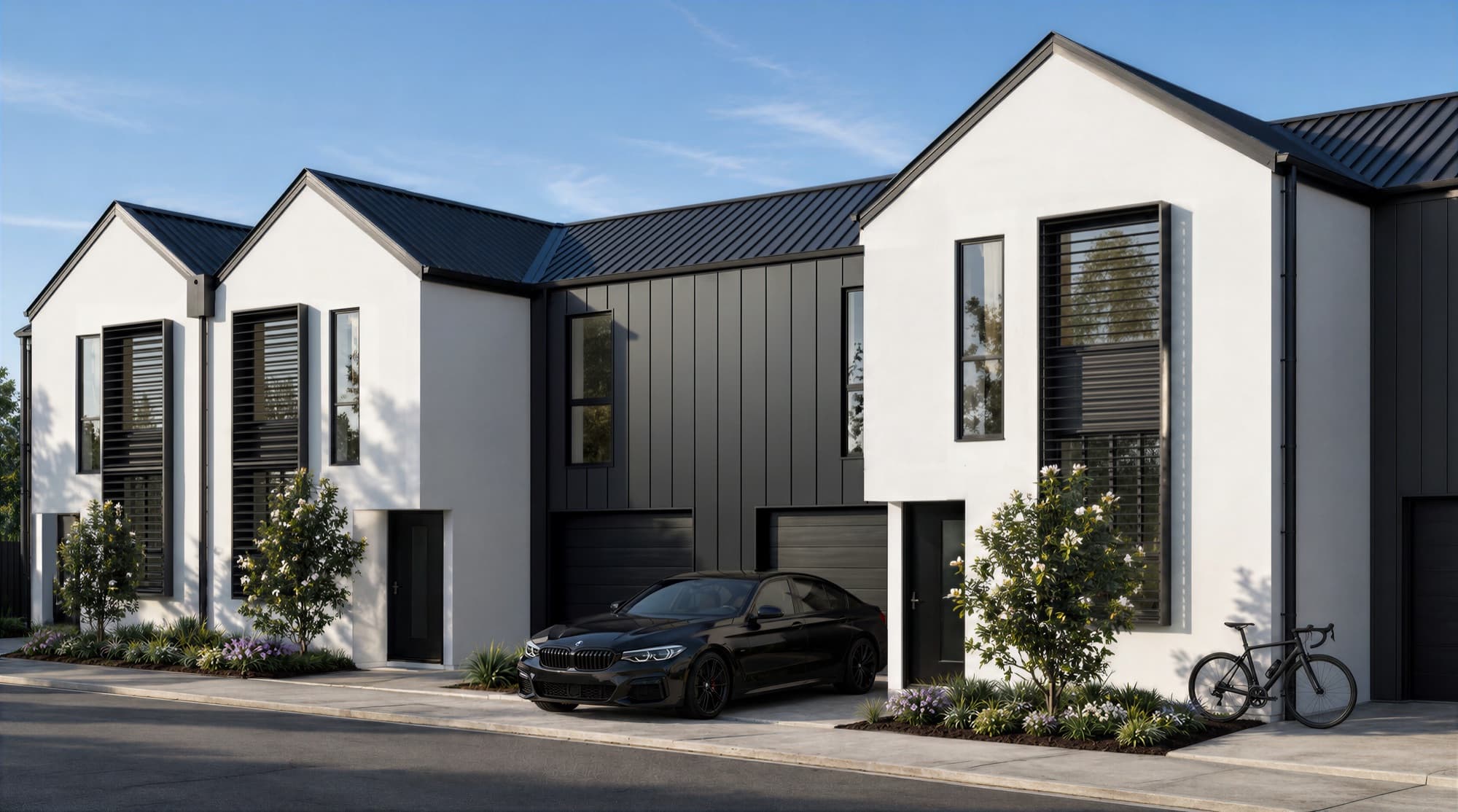
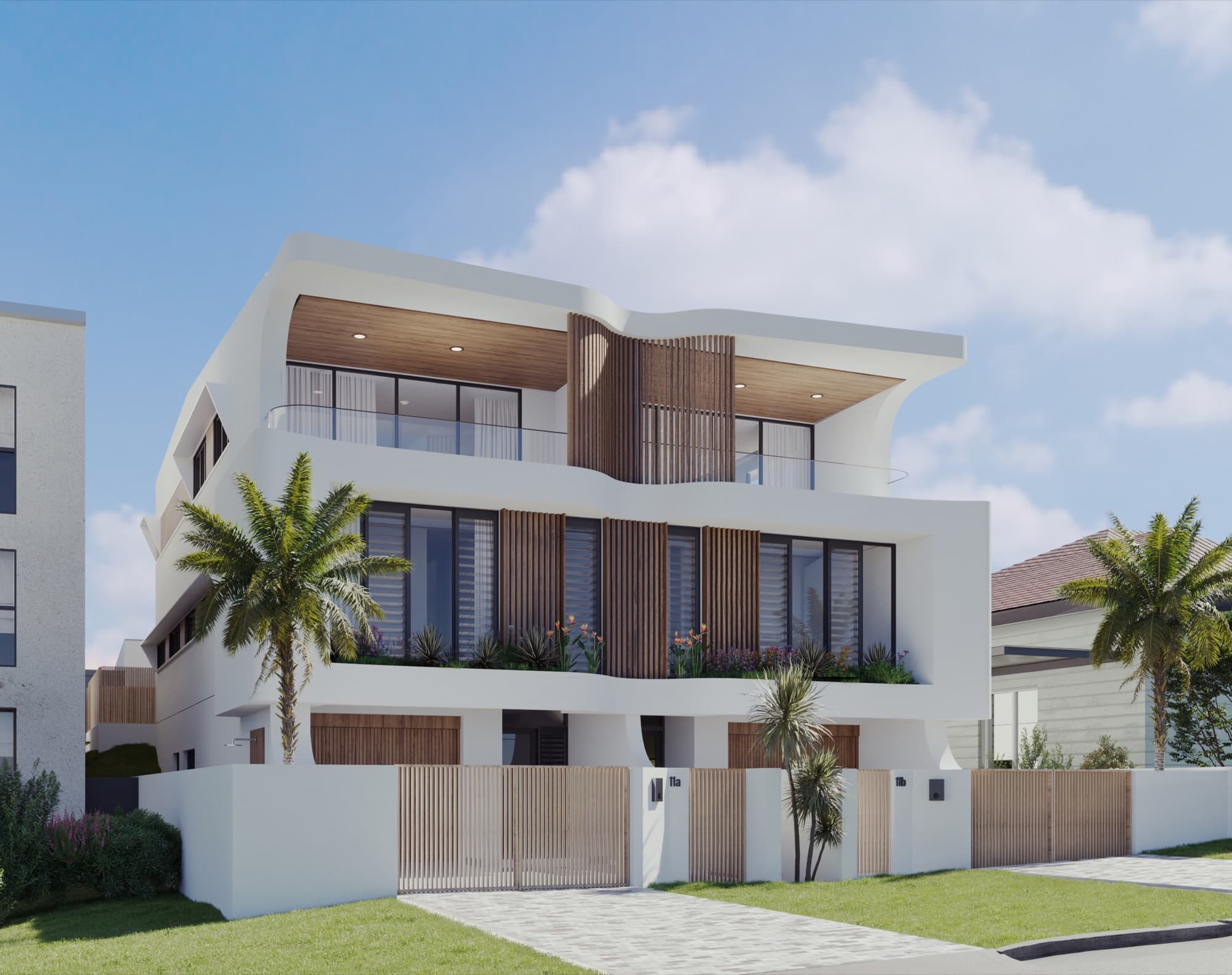
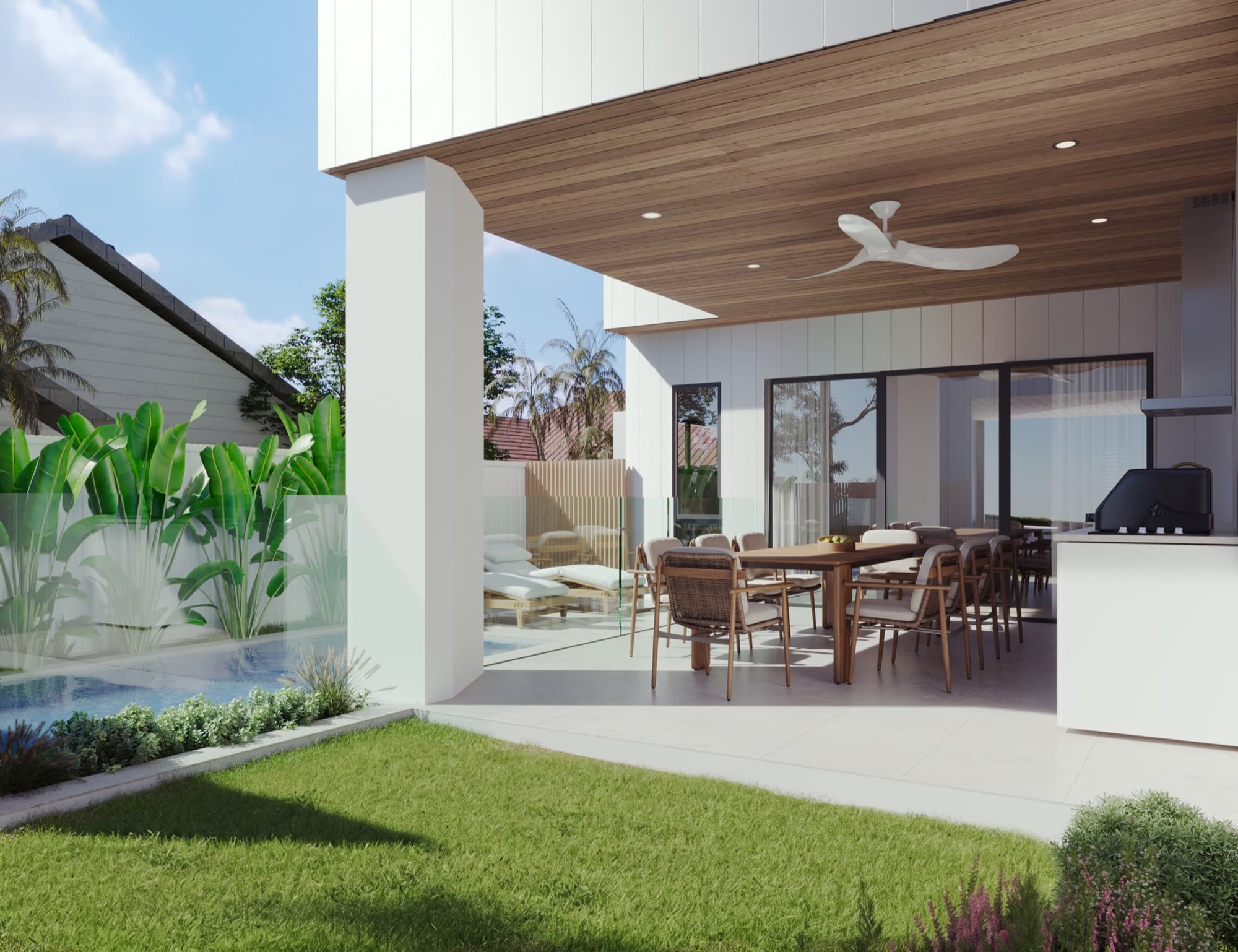
Choose images that explain different parts of the development. A street view establishes the building, an interior explains the main living space, and an outdoor view shows the balcony, terrace or garden. Add a site or aerial image when buyers need help understanding the position of individual homes.
Allocate each image a job before designing the spread. A second exterior earns its place if it explains the rear homes or a different entrance. Three near-identical front views add less information. The guide to how many renders a townhouse or duplex development needs helps plan that selection.
Give the designer the uncropped master images. A wide image may work across a spread but lose the entrance when cut to a portrait page. Check the print crop and the phone PDF separately, and keep essential features out of the centre fold.
How should floor plans and image captions work together?
A floor plan should be readable without zooming through several levels on a phone. Keep room labels, orientation and the relevant dwelling identifier clear. Use a consistent naming system across the brochure, sales schedule and website, such as the approved apartment number or townhouse type.
Put image-specific explanations beside the image. If a kitchen render represents one particular layout or finish selection, say which one. Mark furniture as illustrative where it is being used to show scale rather than an inclusion. Ask the project team to approve these captions along with the images.
A brochure layout review is also a useful accuracy check. A beautiful living-room image beside the wrong floor plan can leave a buyer with the wrong impression of the home.
What belongs in the finishes and location sections?
Use the current approved specification as the source for finishes. Distinguish standard inclusions from any optional selections, and keep product descriptions consistent with the render brief. If a selection changes, update the image, brochure text and website together.
For location information, use a clear map with the actual site marked. Verify nearby destinations and any distance or journey claims before including them. Site photography can help explain the setting, but it should be clearly distinguishable from rendered images of the proposed buildings.
REA Group's project profile guide also recommends leading with property imagery and providing a downloadable asset for further information. A brochure linked from the listing or website should carry the same approved project details as those pages.
What should you check before exporting the final brochure?
Review the final PDF itself, including the version intended for online use. Errors can appear after the copy and images have been approved separately.
- Match every render and floor plan to its caption and dwelling identifier.
- Check the project name, address, contact details and website link.
- Confirm that important labels remain readable on a phone.
- Test clickable links and any QR code from the exported file.
- Ask the printer to confirm image resolution, bleed and colour requirements for the printed version.
- Record the version date and remove superseded download links when the document changes.
The brochure should lead to a working enquiry route. The development website checklist covers the page that receives that visit, and the render approval checklist covers the visual sign-off before design files are released.
Frequently asked questions
How many pages should a property development brochure have?
Use enough pages to explain the project and let buyers compare the relevant homes. Set the content first, then the page count. A compact duplex brochure and a multi-layout apartment brochure need different amounts of space.
Should the brochure include every floor plan?
Include the layouts buyers need to compare, or link clearly to a current plan collection. Label every plan with its approved dwelling or type identifier and keep that identifier consistent across the campaign.
Can the same brochure be used for print and web?
The content can be shared, but prepare separate exports for the intended use. The printer can specify the print settings; the online version should be readable on phones, have working links and download without unnecessary file weight.
When should the brochure be updated?
Update it when the approved design, finishes, project details or enquiry information changes. Keep the brochure, website and listing assets aligned, and replace superseded download files.

Plan imagery around the brochure
Share the plans and brochure outline so we can scope images that explain the development and fit the intended layouts.
Discuss your project