Australian developers
What should developers check before approving architectural renders?
Last updated
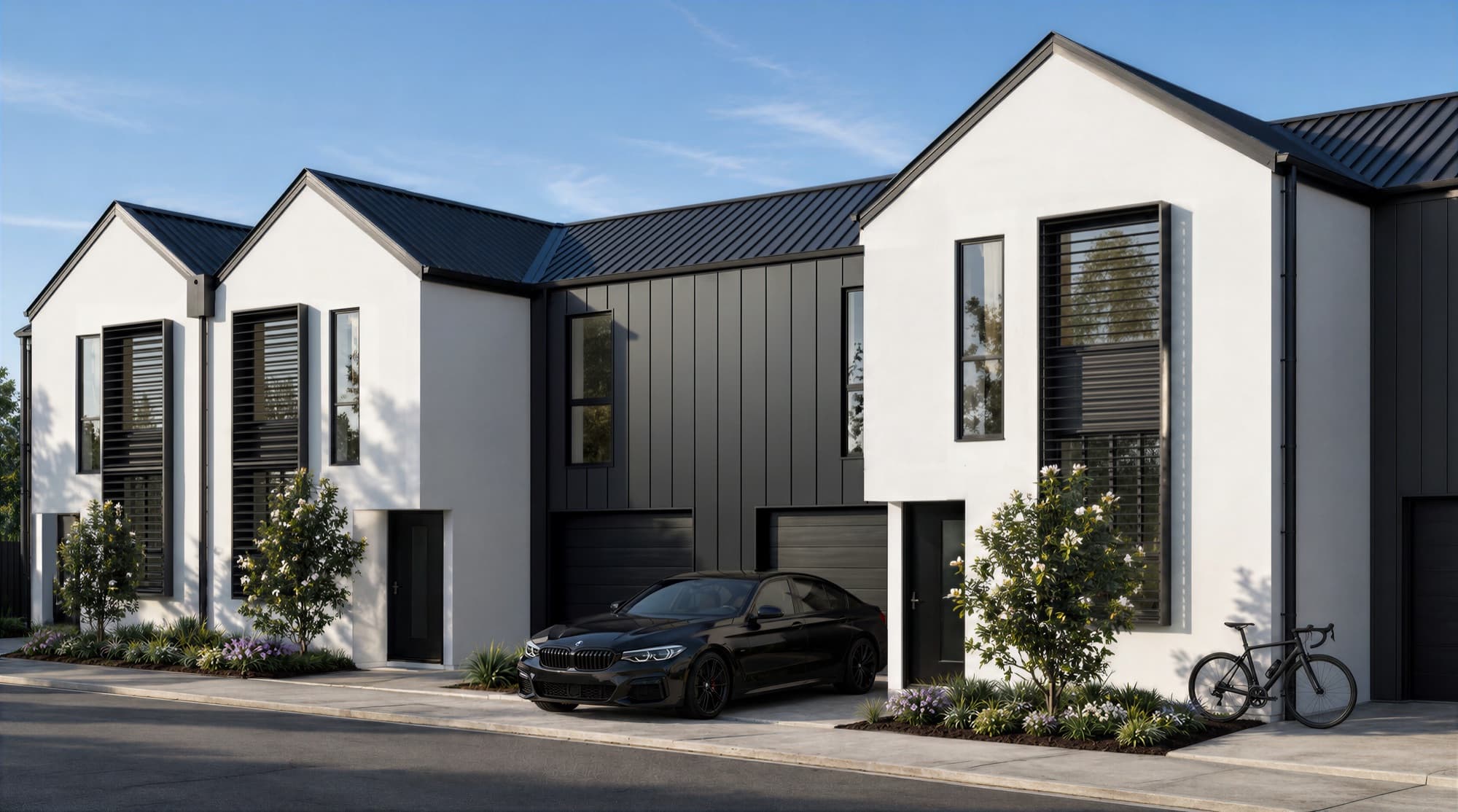
Before approving architectural renders, check the design, materials, site context and image framing against the current project documents. Then review the images in the layouts where they will be used. Record corrections in one marked-up set, nominate a final approver and confirm the exact files released for the campaign.
What documents should be open during the review?
Review the renders beside the current plans, elevations, sections and finishes schedule. Keep the landscape drawings, kitchen documentation and relevant site photographs available too. A reviewer working from an old drawing can request a change that reverses a decision already made by the design team.
Start the review with the drawing revision and date recorded. Note any unresolved selections, including whether a shown finish is provisional. If the architectural model and PDF drawings disagree, ask the project lead to confirm which information governs that detail.
The render project briefing guide lists the source material to prepare. The same files provide the reference for sign-off.
What should you check in an exterior render?
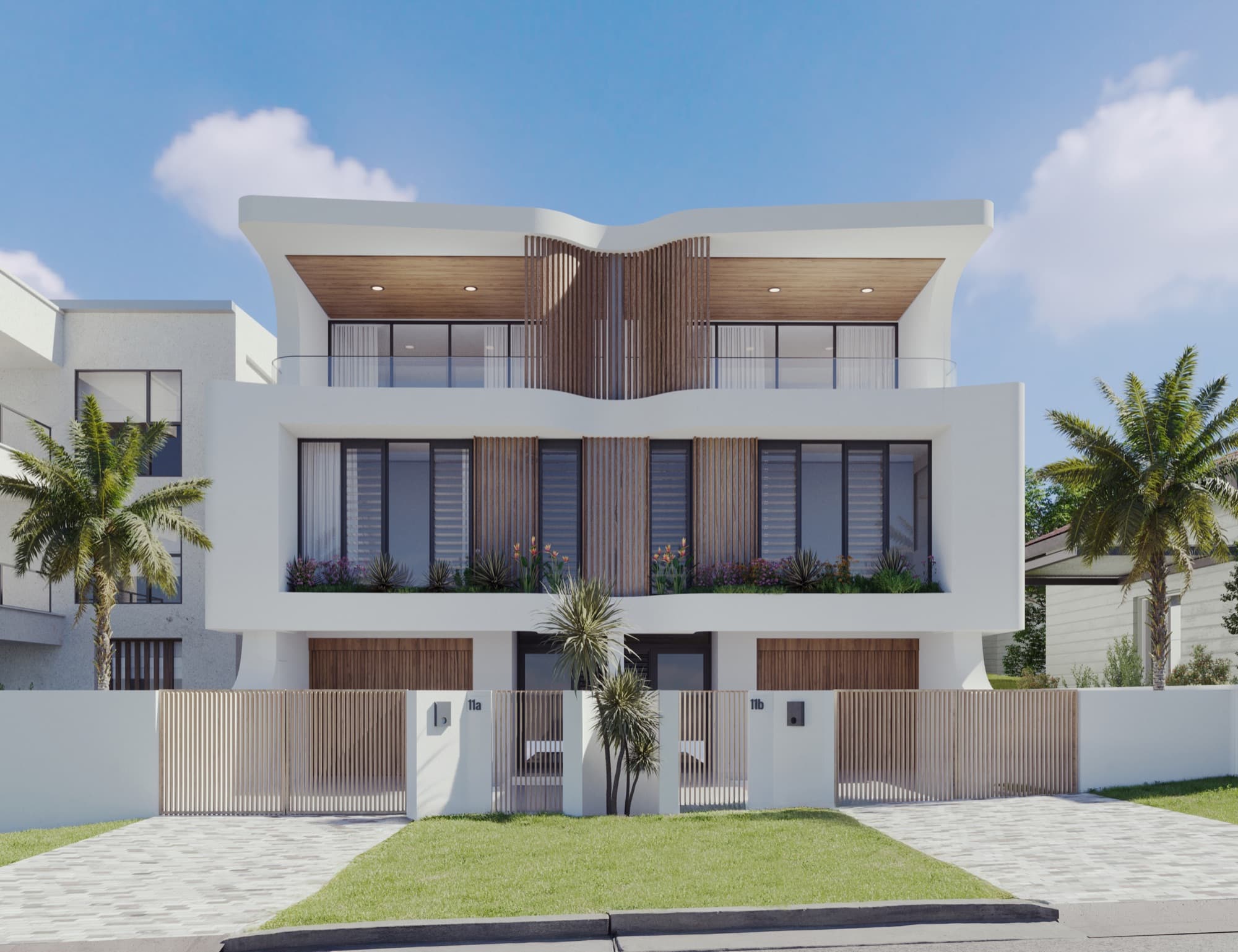
Check the building before judging the mood of the image. Work from the overall shape down to the details a buyer will notice at the entrance, windows and outdoor spaces.
| Review area | Check against the approved information |
|---|---|
| Building form | Storeys, roof shape, setbacks and the relationship between dwelling types |
| Openings | Window and door positions, proportions, frames and garage or roller doors |
| Facade | Cladding direction, masonry, colours, screens and balustrades |
| Ground level | Paths, driveways, steps, retaining walls and entrance levels |
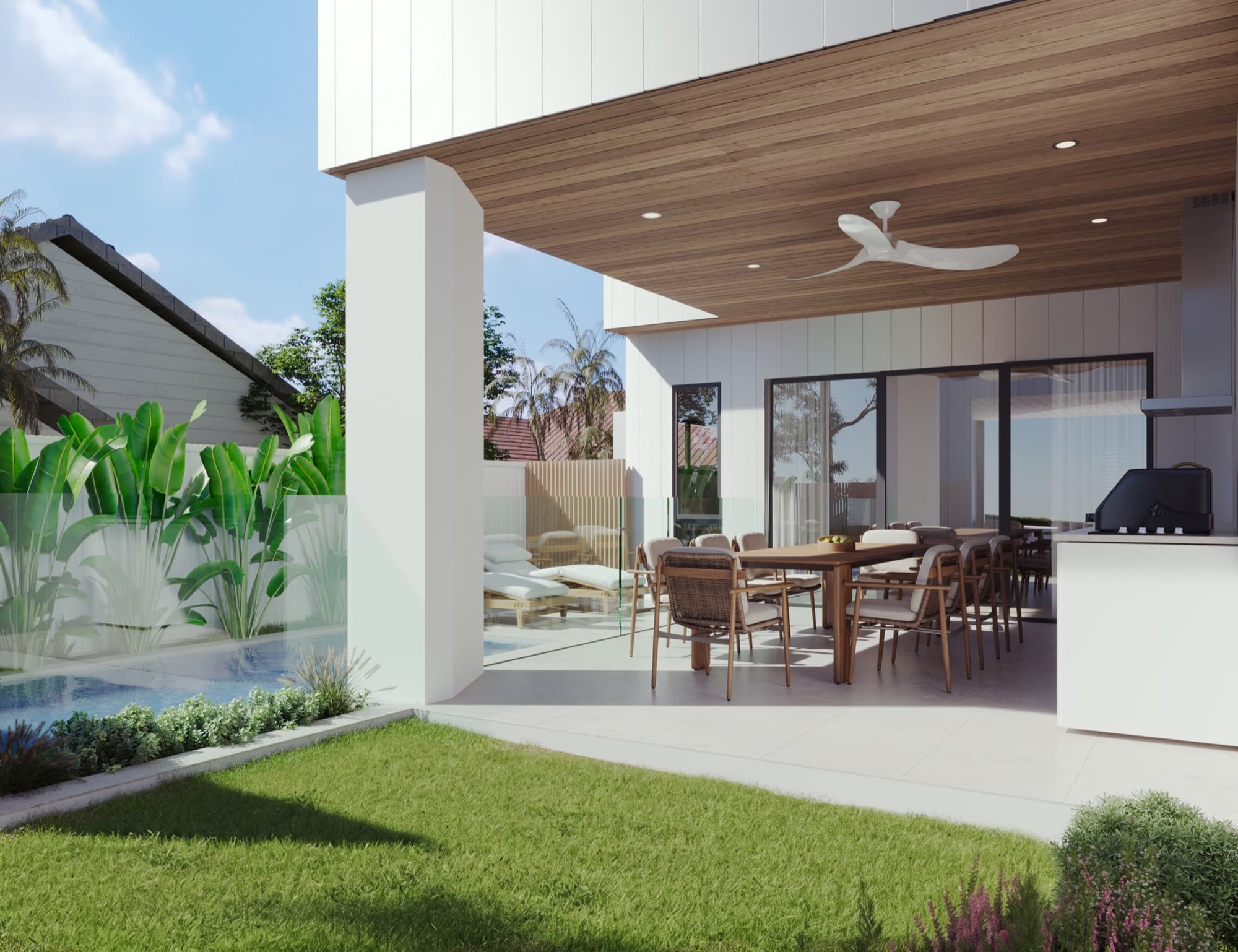
| Landscape | Fences, planting locations, garden boundaries and hard surfaces |
| Context | Neighbouring buildings, terrain and the view visible from the chosen camera |
Look at every view of a repeated detail. A corrected balustrade in the hero image still needs to match the other exterior and balcony shots. Check landscape maturity too: the image should represent the planting treatment the team intends to communicate.
What should you check in an interior render?
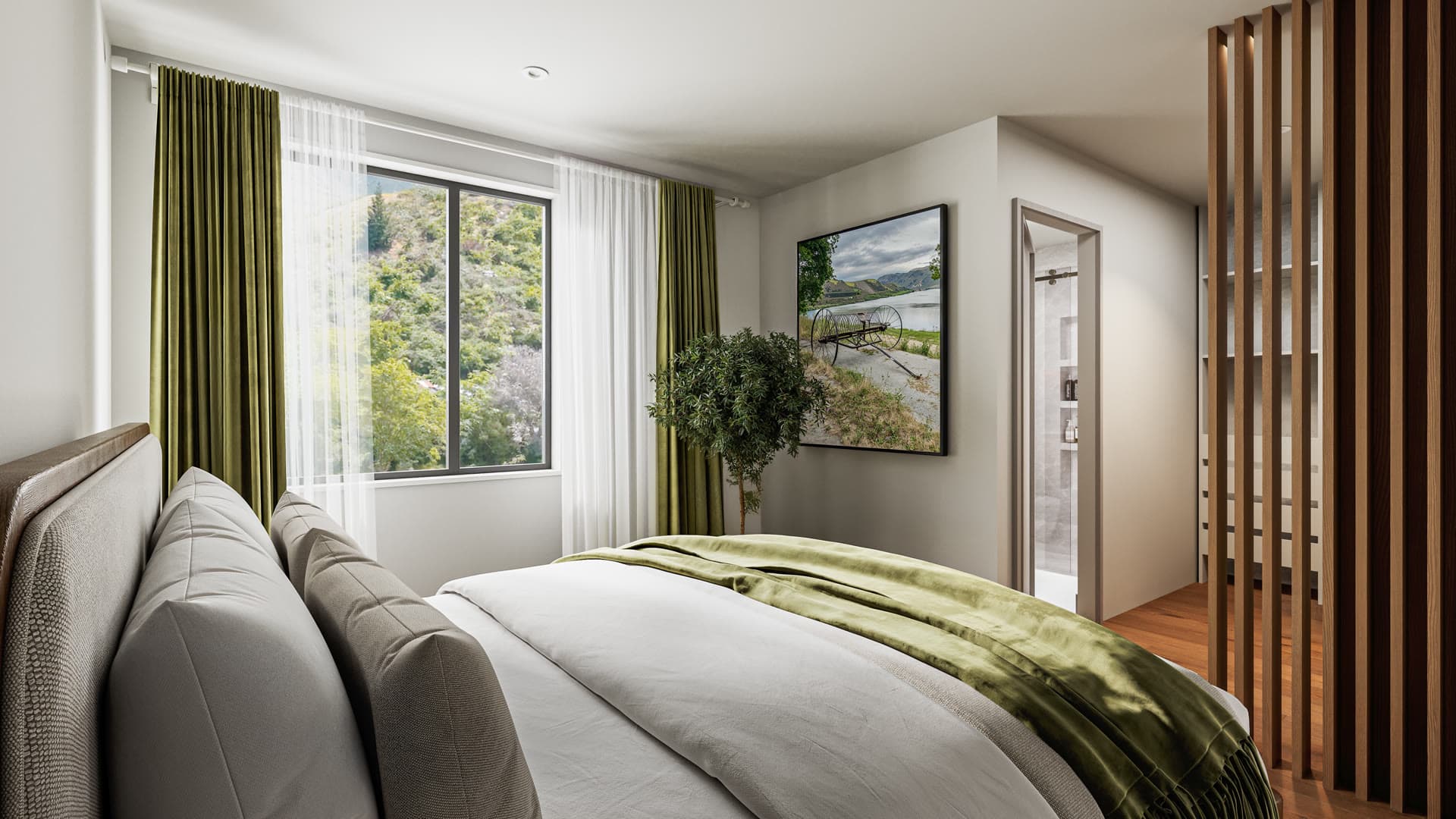
Interior sign-off starts with room geometry and permanent fixtures. Compare the kitchen layout with the joinery drawings, then check appliance locations, door swings, window heights and ceiling features. A styled image can make an incorrect layout easy to overlook.
Confirm flooring, benchtops, cabinetry, tiles, taps and lighting against the specified selections. Product references and samples give a clearer instruction than requests such as making a timber warmer. Colour also changes with lighting, so judge the material and the lighting treatment together.
Furniture should help explain the usable room. Check that beds, tables and sofas are proportionate, and that circulation routes remain credible. If decorative items are not included in the sale, agree on how the campaign will make that clear.
At Rogers Street, the case study records specific exterior and interior finishes. Those kinds of references make a review concrete: the team can compare the specified material with what appears in the image.
How should you review views, light and styling?
Check that each camera answers the intended buyer question. A living-room view should explain the room and its connection to the kitchen or balcony. An arrival view should make the entrance legible. A dramatic crop is less useful if it hides the feature the image was commissioned to show.
For views beyond a window or balcony, confirm the camera position and the source of the background. Check that the outlook belongs to the represented level and orientation. Keep any image-specific explanation with that view when it moves into the brochure or website.
Assess daylight and shadows as part of the presentation. If the image is intended to demonstrate sunlight at a specific time, that needs a separately agreed technical basis. Do not treat an attractive marketing image as a documented sunlight assessment.
How do you send feedback that can be acted on?
Send one consolidated markup with a named decision-maker. Separate design corrections from styling preferences and identify where a new instruction changes the earlier brief.
- Identify the image and the exact area to change.
- State the required change in plain language.
- Attach the relevant drawing, material reference or approved example.
- Note whether the correction also applies to other views.
- Review the revised set and close each comment before final approval.
For example, “replace the kitchen splashback with the tile in schedule K03” is actionable. “The kitchen feels wrong” needs another discussion before the artist can make a reliable change.
What should you check in the final campaign files?
Open the exported files and place them into the intended layouts. Check resolution and crop suitability with the designer or printer, and check phone versions at actual viewing size. Match filenames to the approved dwelling names or types.
Confirm that the final folder contains only the approved set and clearly separate older drafts. Check any agreed film versions for the same finishes and design updates. Use the brochure checklist and website checklist to carry the approval through to the places buyers will see the images.
Frequently asked questions
Who should approve architectural renders?
Nominate one final approver, with input from the people responsible for design, specification and marketing. Consolidate their comments so the studio receives a single clear set of instructions.
Should renders be checked against the 3D model or the drawings?
Use the current project documents and agree which source takes precedence if they conflict. The model, plans, elevations and finishes schedule should describe the same approved design.
Can we approve some images while others are still changing?
Yes, if the approved views are clearly identified and shared changes are tracked. A material or design correction may affect several views, so check the whole set before releasing it for marketing.
What should we record at final sign-off?
Record the approved filenames and versions, the person approving them and any agreed image captions or qualifications. Keep that record with the source documents and the campaign handover folder.

Prepare a clear render brief and review
Share your current drawings, specification and intended views. We can help define what the image set needs to show.
Discuss your project