Australian developers
How should Sunshine Coast still renders and short films be handed over?

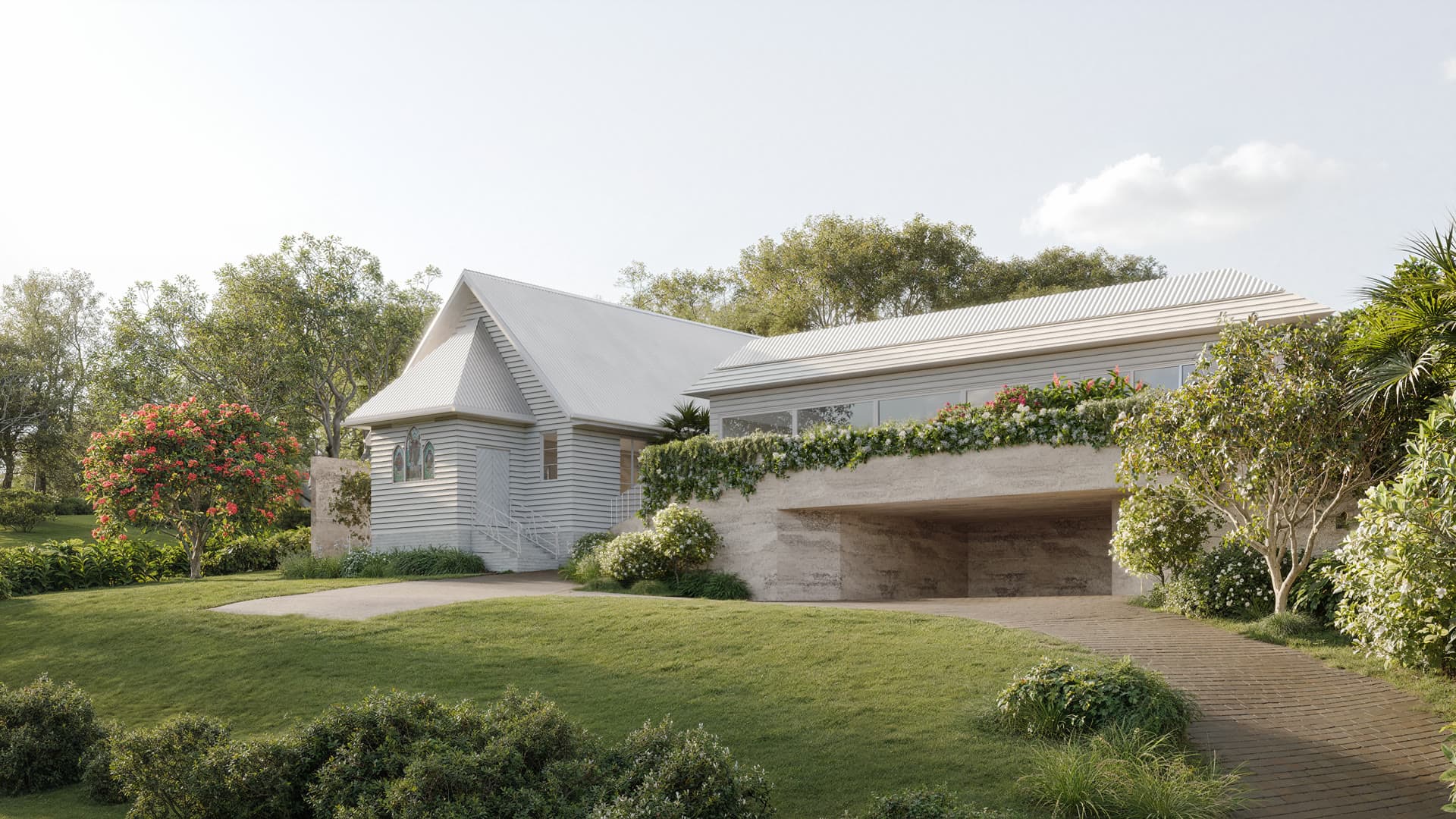
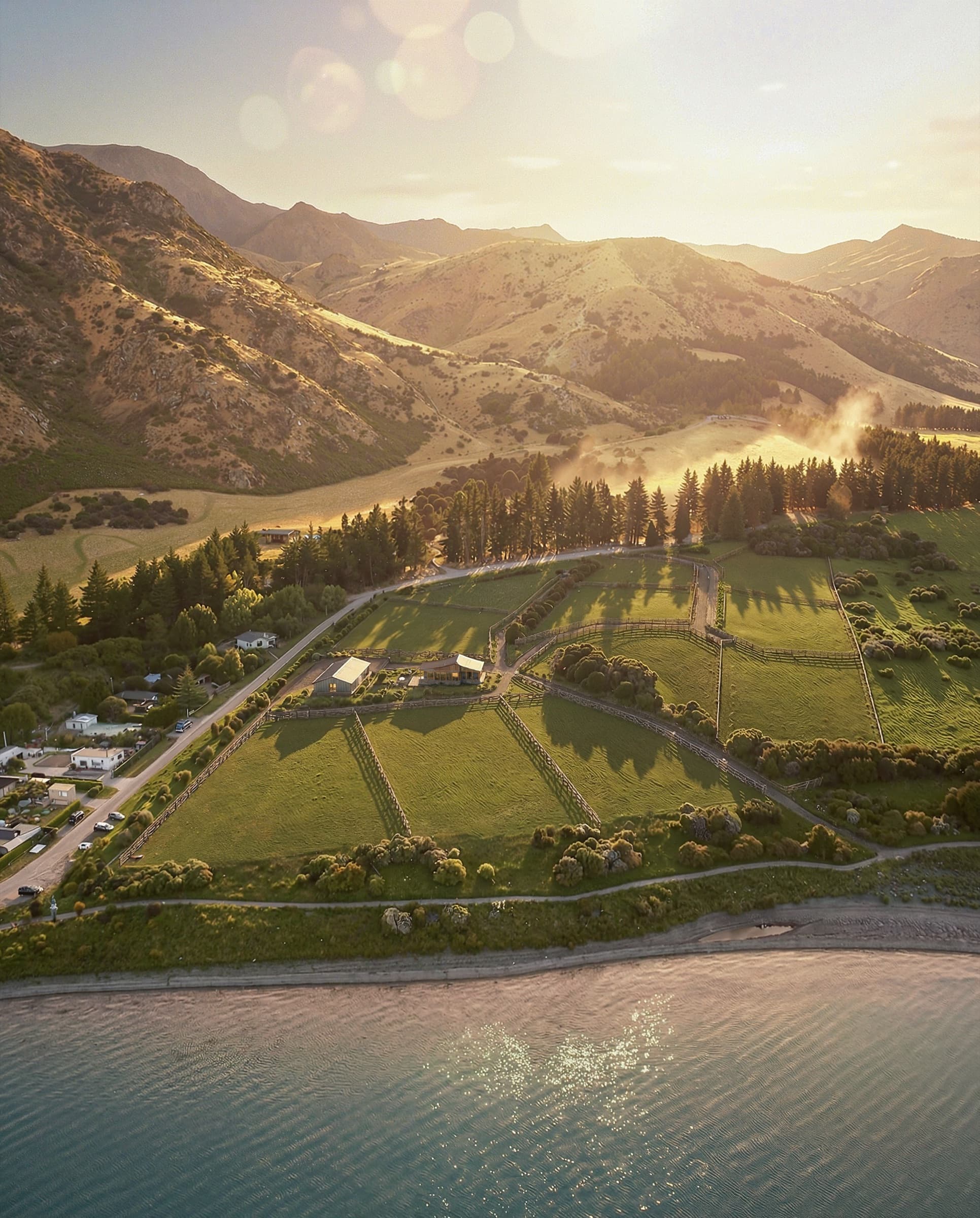
Plan stills and short films as one asset set. Give each file a purpose, source revision and placement before the first export. At the Eumundi church extension, three exterior renders, five detail images and motion clips were made around the same proposal, so a changed roof or landscape choice would need checking across both formats.
What should the delivery register contain?
| Item | Record before export |
|---|---|
| Still view | Camera ID, crop, dimensions and caption |
| Motion clip | Opening frame, movement, duration and format |
| Source revision | Drawing, landscape and finish versions |
| Usage | Website, presentation, social or application support |
| Approval | Reviewer, status and superseded filename |
How do you avoid a mismatch between still and film?
Approve geometry and materials on the stills first. Then check the same features in every motion frame: roof lines, retained windows, planting and entry paths. The Eumundi project overview explains what the source work included. The community-building camera guide helps decide which views deserve motion rather than another still.
Where the project is tied to a local planning process, the current Sunshine Coast Planning Scheme provides context. Keep the intended status of each visual clear in the handover, especially if concept imagery and formal application material have different requirements.
What belongs in the final folder?
Keep approved high-resolution stills, web crops and motion files in separate named folders. Include a contact sheet, captions and the source revision. Archive drafts outside the delivery folder so an old image is not uploaded by mistake.
Frequently asked questions
Can a clip be cut from an approved still?
A still can establish the look, but motion needs its own camera path and checks at the beginning and end of the move.
Should social crops be approved separately?
Yes. A vertical crop may hide an entry, retained feature or project label that is visible in the master image.
What should we specify in the brief?
List placements, aspect ratios, file formats and who approves each stage. Send them with the drawings through the Sunshine Coast enquiry.

Plan your Sunshine Coast image set
Send the current drawings, site material and intended image uses so we can scope the views.
Discuss your project