New Zealand developers
What should a Cromwell render review check before launch?

A final render review should confirm the design version, site context and campaign wording in one pass. In a multi-asset Cromwell campaign, a late material change may affect street views, interiors, film and branded graphics. A shared review register prevents one old export from surviving unnoticed.
Who checks what?
| Reviewer | Check |
|---|---|
| Architect | Form, openings, levels and the drawing revision |
| Developer | Lot labels, selected finishes and landscape status |
| Image team | Camera records, photo alignment and consistency across assets |
| Marketer | Captions, crops, placement and superseded files |
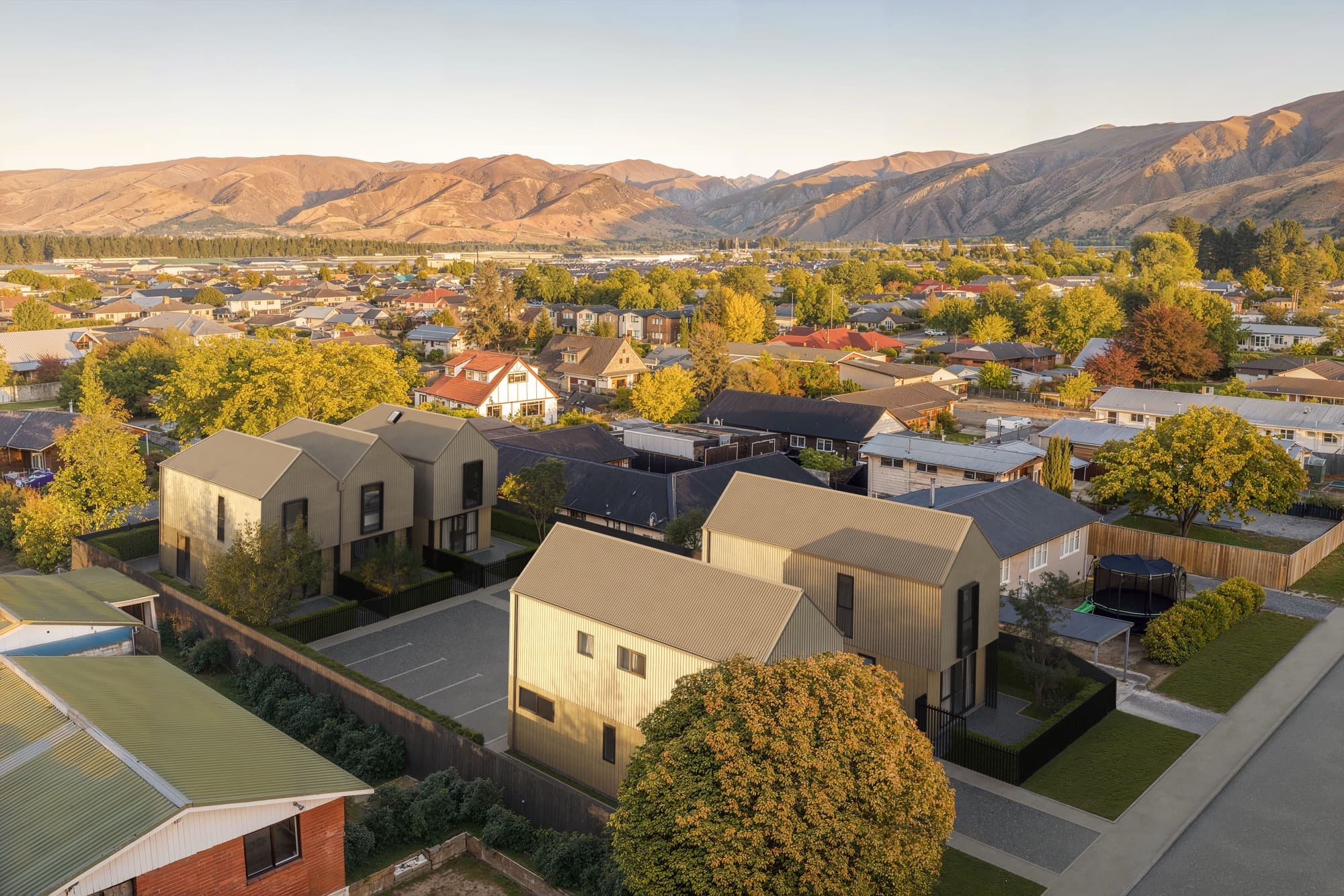
The Molyneux case study describes aerials built into real drone photography. Those views need an extra source check: the photographed neighbours and ground should still agree with the intended context. The Rocks on Holloway case study shows why branding and film belong in the same review register as the stills.
What should the sign-off package contain?
Send a numbered contact sheet with each view's filename, camera purpose and current revision. Keep marked-up drafts separate from the approved export folder. Record which file replaces any earlier published image. The photomontage brief covers camera source evidence and the Cromwell service page lists the project types we have delivered.
The Cromwell Masterplan is useful background about the town, but it is the project's actual drawings and approvals that settle a campaign image. Check those before fine-tuning colour or furniture.
Frequently asked questions
Can a final JPEG be approved without the source revision?
The reviewer should know which drawings and finish schedule the JPEG represents. Add that information to the contact sheet or export register.
Who checks a photomontage background?
The project team should review the photo date and site context; the image team checks camera alignment and compositing.
What happens after a material change?
Identify every affected still and film segment, update the review register and replace superseded campaign files together.

Plan your Cromwell image set
Send the current drawings, site material and intended image uses so we can scope the views.
Discuss your project