Australian developers
AI architectural images versus a controlled 3D rendering workflow
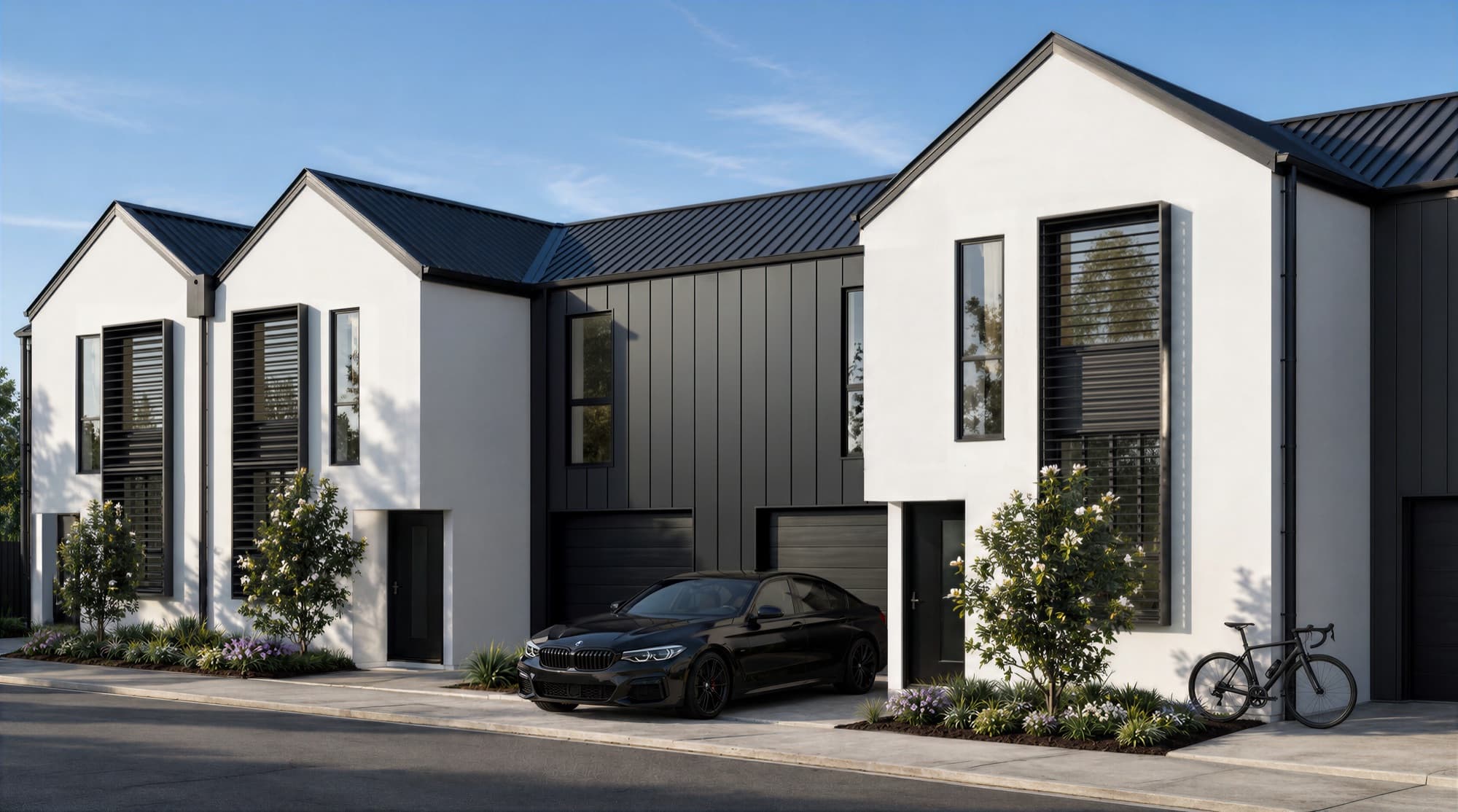
For a property developer, a convincing image is only useful if it represents the project being sold. Generative imagery can help explore a visual direction or finish a scene, but the drawing set, selected materials and approved views need to remain the reference. Judge a studio by how it checks the result, as well as how the final image looks.
Render Works offers architectural stills and AI-assisted cinematic work. This guide explains the checks to agree in a project brief; it does not assume that every commission uses the same tools or production method.
What is the difference between an image and a controlled scene?
A 3D scene records geometry and camera positions that can be reused across views. An image-based generative step works with pixels and guidance, so a plausible-looking result can still change an opening, roof edge, joinery detail or object between images. A model also needs checking: incomplete geometry, an old drawing revision or an incorrect material can produce a consistent but inaccurate result.
The useful distinction is how the design is controlled and reviewed throughout the work.
| Task | What to establish |
|---|---|
| Exploring mood or styling | Label exploratory images and identify which design details are not yet resolved. |
| Showing the approved building | Use current drawings and a geometry/camera checkpoint that the project team can review. |
| Refining materials and atmosphere | Compare the result with the selected specification and retain the agreed geometry. |
| Producing several views | Check shared openings, finishes, furniture and landscape elements across the set. |
| Turning stills into film | Review frames through the shot, including edges, reflections and features revealed by movement. |
What should be checked before the image is polished?
Agree the drawing revision and view list first. Identify the building elements visible in each camera, including entrances, roof forms, balconies, openings, boundaries and site levels. Where a geometry or clay preview is part of the scope, use it to check those decisions before detailed materials and styling are added.
The brief should say what is known and what remains provisional. A mood reference can guide atmosphere, but it should not override an approved facade or a selected fitting. Record any authorised design change so it can be carried through the other views.
How do selected finishes help?
At Soleil in Redhead, NSW, the published project brief describes matching the developer's selections, including kitchen timber, outdoor tiles, driveway brick and bathroom details. Those references make review more concrete than a request to make an image “feel premium.”
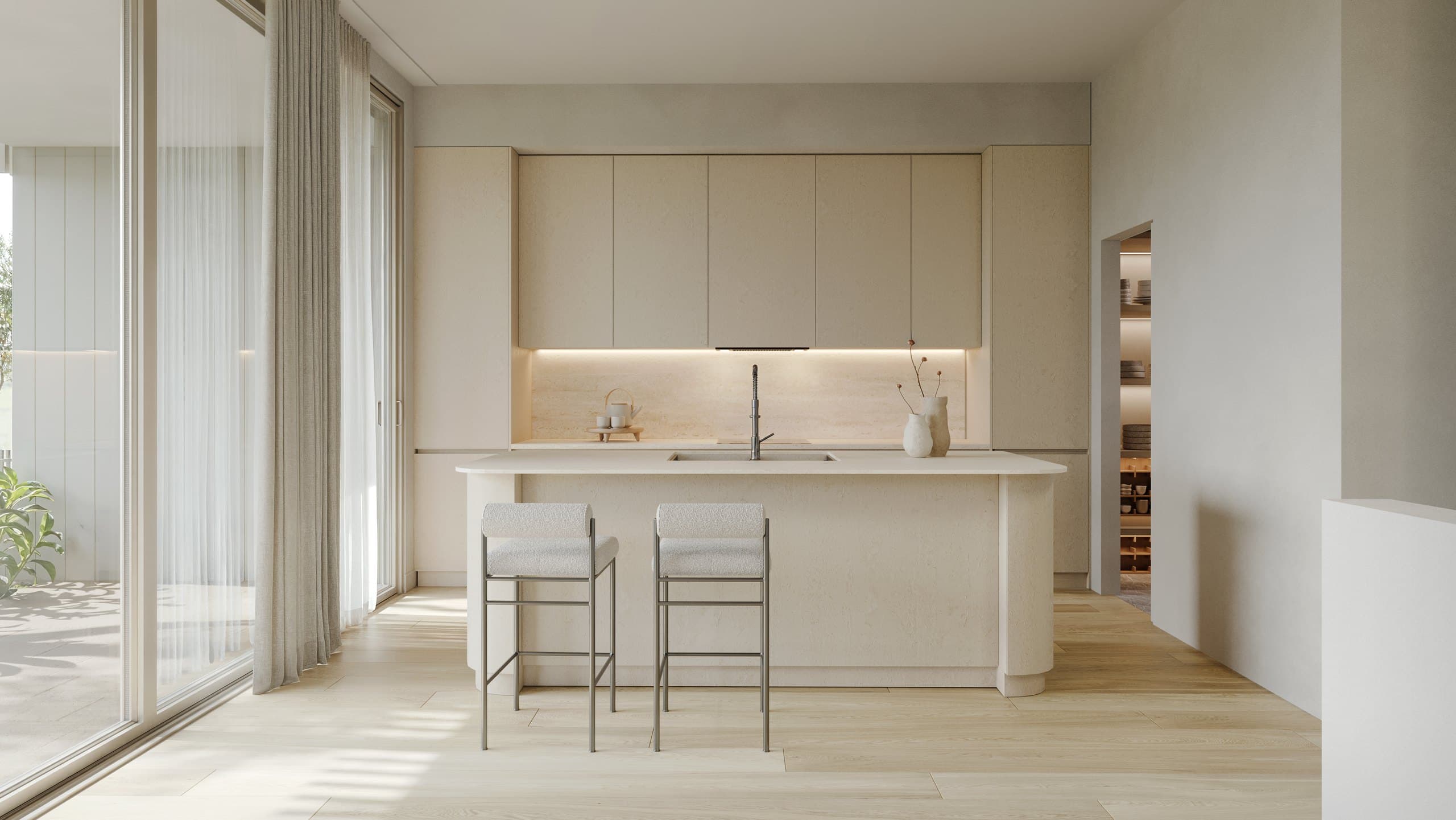
Provide product references, material samples where available, joinery drawings and the intended lighting direction. Then check the visible scale, colour relationships and location of the finishes. A realistic texture on the wrong surface is still a project error.
How do you check consistency across a set?
Use a small comparison sheet that puts the views beside each other. Review features that appear more than once: the same door, stair, island, window system, facade material or planted boundary. Check that changes approved in one image also appear in the others.
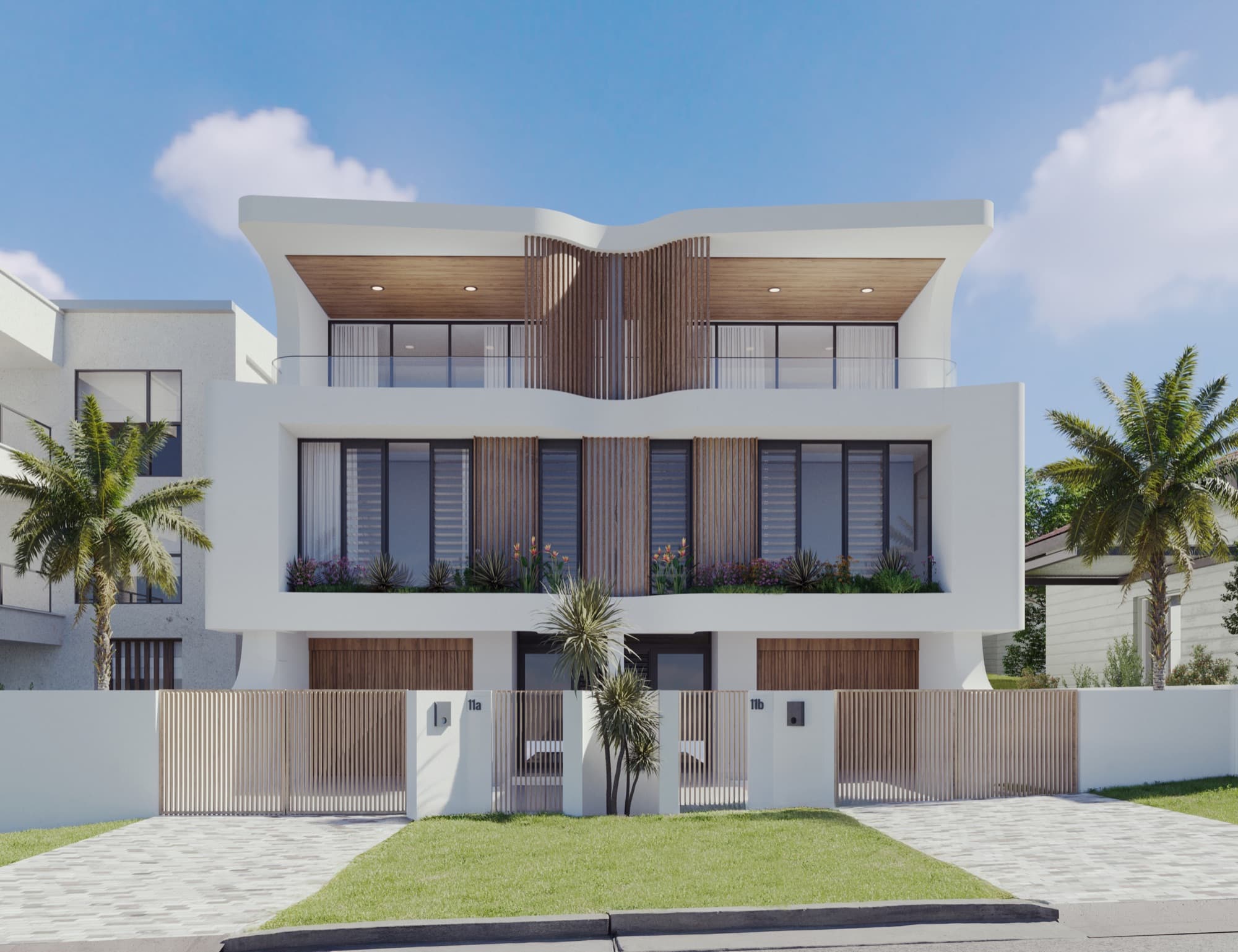
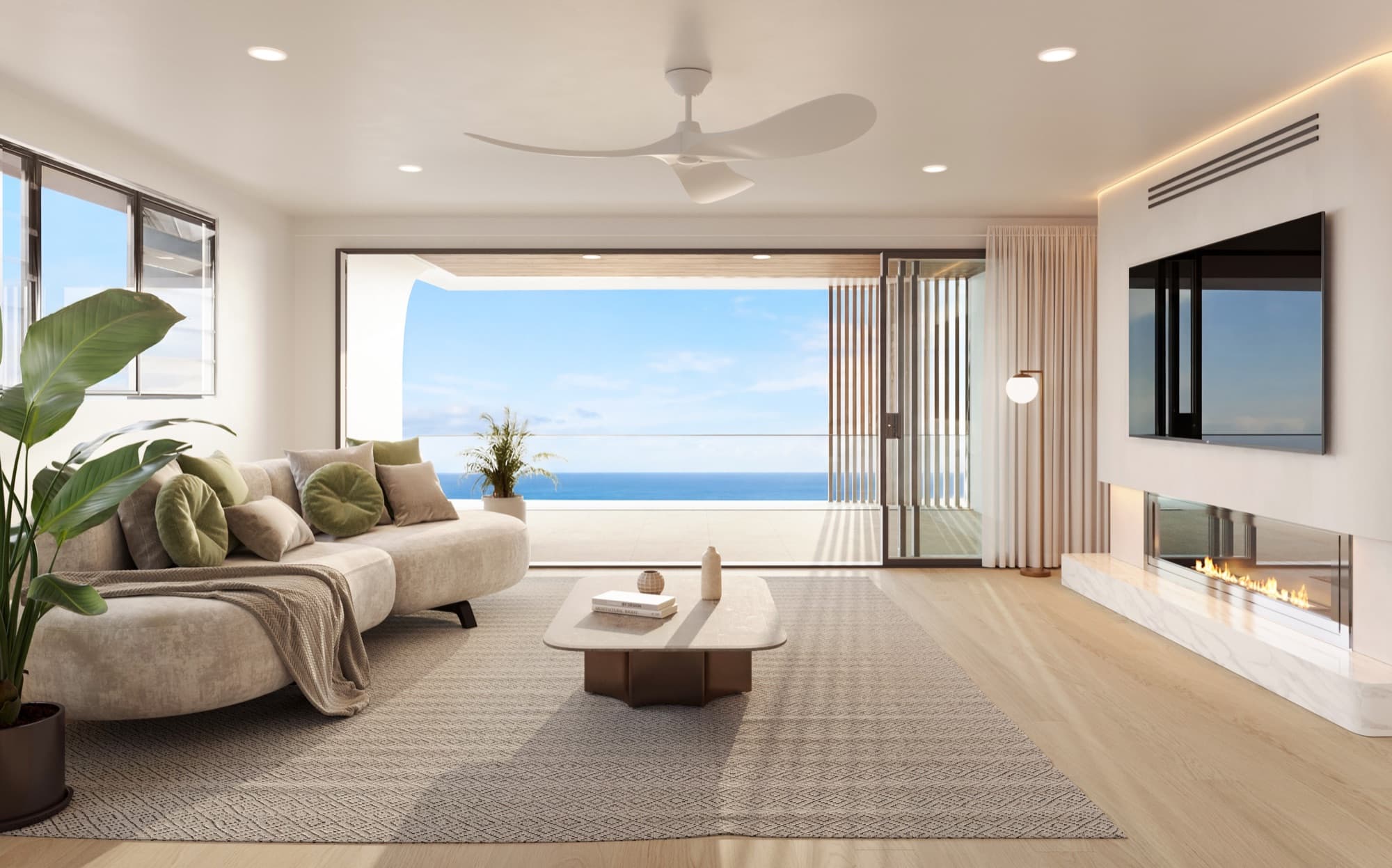
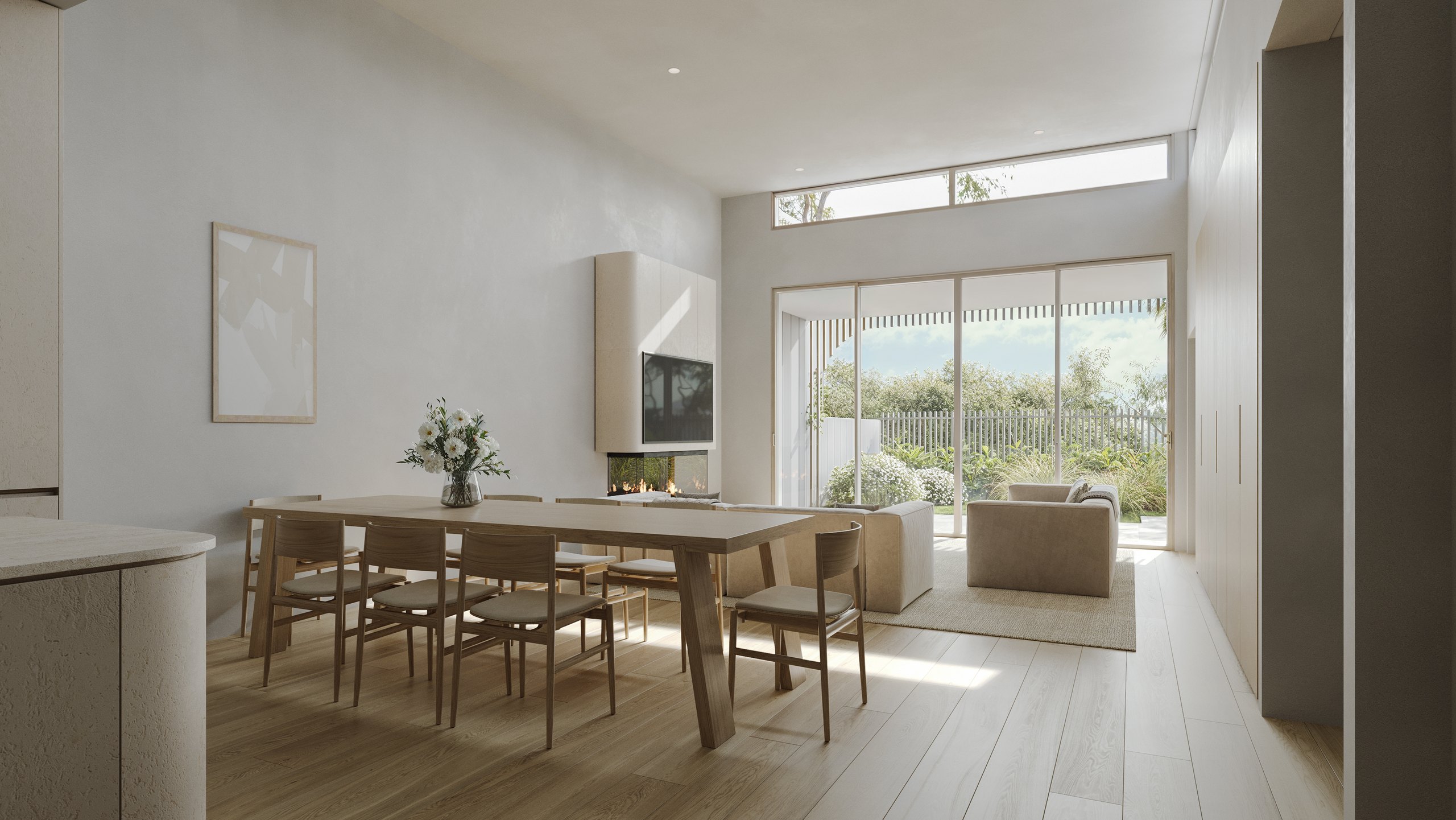
Dudley Avenue in Caringbah is a useful finished-set example: two exterior views and three interiors were prepared for Econ Group. The kitchen and living/dining images need to describe the same home, while the frontage and courtyard need to share a coherent material direction. The case study shows the finished deliverables, rather than claiming to document a particular AI process for that project.
What needs extra attention in a film?
A still shows one frame; a moving shot can reveal new surfaces and changes over time. Check the beginning, middle and end, then watch the full sequence at normal speed. Look for moving architecture, changing fittings, distorted people or vehicles, and reflections that no longer match the scene.
Agree whether the film is a cinematic treatment of approved images or a fully modelled camera path. That distinction affects which views can be shown and how changes should be reviewed. Our stills-versus-walkthrough guide helps decide which outputs the campaign needs.
What should a developer ask the studio?
- Which drawings and specifications will be the source of truth?
- Which parts of the work are modelled, generated or edited?
- When can we approve geometry and camera positions?
- How are changes carried across the complete image set?
- Who checks the final images against the approved design?
- What will we receive, and what changes are included in the agreed scope?
These questions belong in the brief, alongside the input checklist. Use the approval checklist during review, and keep one consolidated set of comments per round.
Frequently asked questions
Does using AI mean the final image is inaccurate?
The tool name alone does not establish accuracy. The relevant questions are what information controls the image, what can change during production and how the result is checked against the design.
Does a 3D model remove the need for review?
No. A model can contain missing details or outdated information. Review the geometry, camera, finishes and final outputs against the current project documents.
Can an exploratory image be used in a sales campaign?
First check and resolve the represented design, finishes and context with the project team. The finished campaign should use the approved set and accurately describe what the imagery shows.
How can we brief a Sydney project?
Share the drawings, selected finishes and intended views. See our Sydney architectural rendering service and Australian developer guide for relevant project examples.

Plan the images your development needs
Share your current drawings, proposed views and intended uses. We will help define a project-specific scope.
Discuss your project