Process
What to Provide for a 3D Render Project (2026 Guide)
To start a 3D render project you need three things: architectural plans (CAD or PDF), your material and finishes selections, and a few reference images for the style you want. A 3D model, site plan, and landscape details all help, but clear plans and a sense of direction are enough to begin.
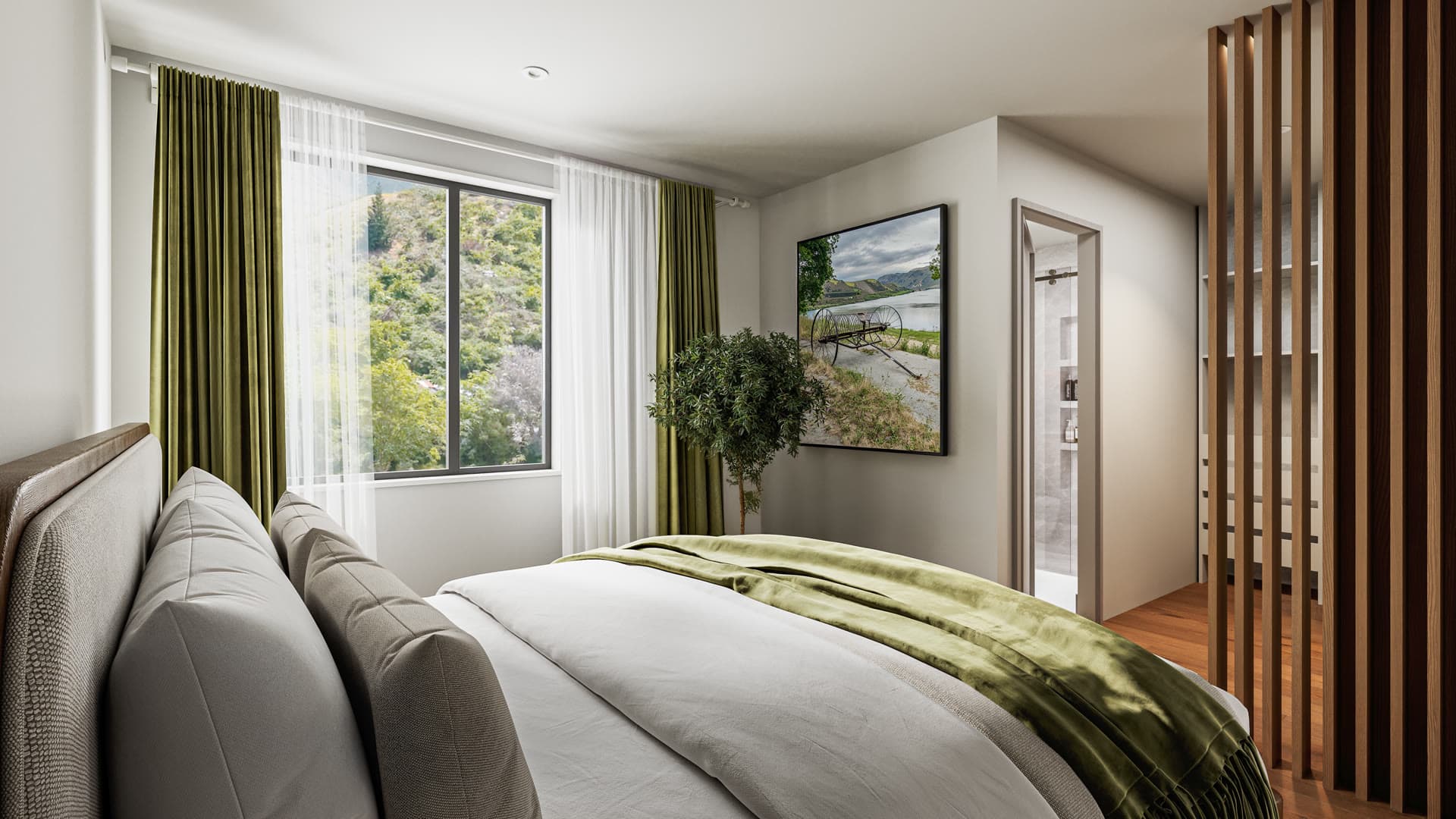
A render is only as good as what it is built from, so the more you can hand over early, the closer the first draft lands and the fewer revisions you need. This is the actual checklist we send clients, grouped into three parts. You do not need every item to begin a conversation, but anything you can share early helps.
Project files (the core 3D assets)
These are the bones of the project. They tell us the shape of the building and where it sits.
- Architectural plans. Floor plans, elevations, and sections. DWG or DXF if you have CAD, or PDF if you do not.
- A 3D model, if one exists. SketchUp (.skp), Revit (.rvt), Rhino (.3dm), or ArchiCAD (.pln) are ideal, or an FBX or OBJ export from whatever you use. If your design already lives in a BIM tool like Revit or ArchiCAD, even better, because the model carries real materials and dimensions we can build straight from.
- A site plan. Showing where the building sits, plus landscaping, contours, driveways, boundaries, and the north point.
- A land survey or topography file. Helpful whenever the site has slope or changes in level.
If all you have is PDFs, that is fine. We can model straight from drawings. A CAD file or an existing 3D model just saves time, and since time is most of what you pay for, it can bring the cost down too.
Design references and finishes
This is what turns a grey model into something that looks real. The finishes decide the colour, texture, and feel of every surface, so the more specific you are, the closer the render matches what actually gets built.
- A material and finishes schedule. Cladding, roof, joinery colour, flooring, tiles, benchtops, and the rest. Product names or codes beat "dark timber", because we can match the real thing.
- Colour palette and paint colours. Brand codes (Resene or Dulux, for example) or sample images.
- A lighting plan. Especially for interiors and any dusk or night renders, where the light is doing most of the work.
- Fixtures and fittings. Kitchen, bathroom, tapware, handles, anything that shows up in close views.
- Example photos or inspiration renders. The fastest way to show us the style and mood you want. A few images you like tell us more than a page of description.
If you are still deciding on finishes, give us your best guess and we can update them later. It is easier to swap a material than to invent one.
Landscape and environment
For exterior views, what surrounds the building matters as much as the building itself. The landscaping and the real site set the scene and the light.
- A landscape plan. Planting schedule, hardscaping, driveways, paths, and fencing.
- Site photos. Taken from the key viewpoints, so we can match the lighting and the existing vegetation. If you can, grab a few at different times: a sunny day, dusk, and an aerial shot if you have a drone.
On a bare or early-stage site, photos matter less and we can build a setting that suits. They count most when the render needs to sit believably in a real place.
What if you do not have everything yet
Most projects do not arrive with a complete set, and that is normal. We would rather start the conversation than wait for the perfect file. Send what you have, and we will tell you what is missing and what we can work around.
The two things that make the biggest difference are clear plans and a sense of the style you want. With those, we can usually get a first draft going and fill the gaps as decisions get made — how complete your inputs are up front is the biggest lever on how long the project takes. Finishes, fixtures, and landscaping can be locked in along the way, since revisions are part of the process anyway. If you want to see how the rest of it runs, our guide to architectural visualisation in NZ walks through the full process.

Ready to start a project?
Send us what you have and we will tell you what we need to bring it to life.
Get a quoteFrequently asked questions
What file formats do you accept for plans and models?
For plans, DWG or DXF if you have CAD, or PDF if you do not. For 3D models, SketchUp, Revit, Rhino, and ArchiCAD files all work, as do FBX or OBJ exports. If you are not sure what you have, send it through and we will check.
Can you create a render if I only have PDF plans?
Yes. We can build the model from drawings. A CAD file or an existing 3D model saves time, but plenty of projects start from PDFs alone.
What if I have not chosen all my finishes yet?
Start with your best guess. We can render with placeholder materials and swap them as you decide, which fits within the normal revision rounds.
Do you need site photos for every project?
No. They help most for exteriors that need to sit in a real, established setting. For a bare or early-stage site, we can build a setting that suits the design.