Australian developers
Do you need a walkthrough video as well as still renders?
Last updated
Use still renders to let buyers examine individual rooms, finishes and exterior views. Add a walkthrough video when movement helps explain the layout, approach or connection between spaces. For a development campaign, the two formats can work together: stills provide detailed reference images, while a film guides the viewer through a chosen sequence.
What do still renders do well?
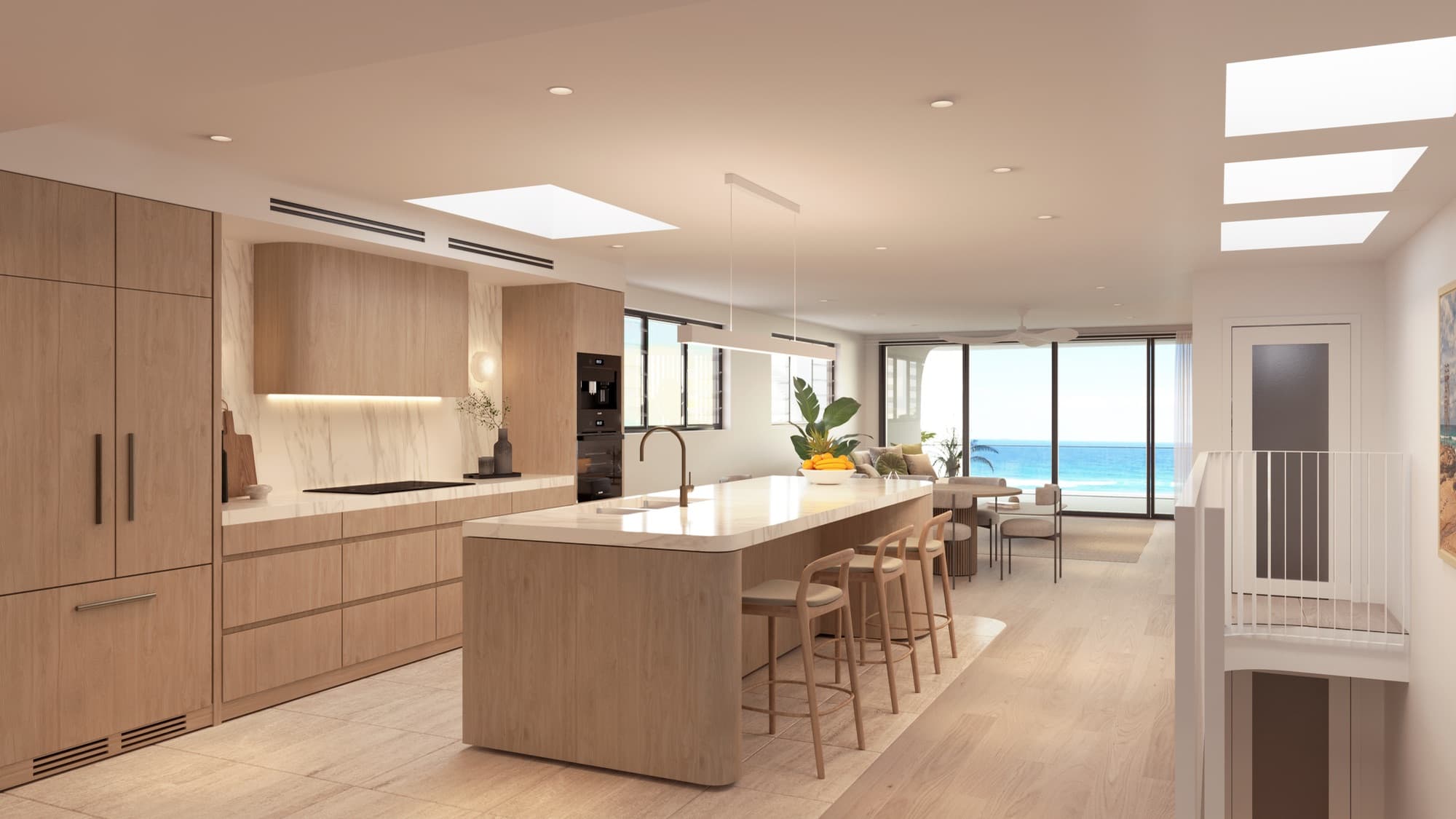
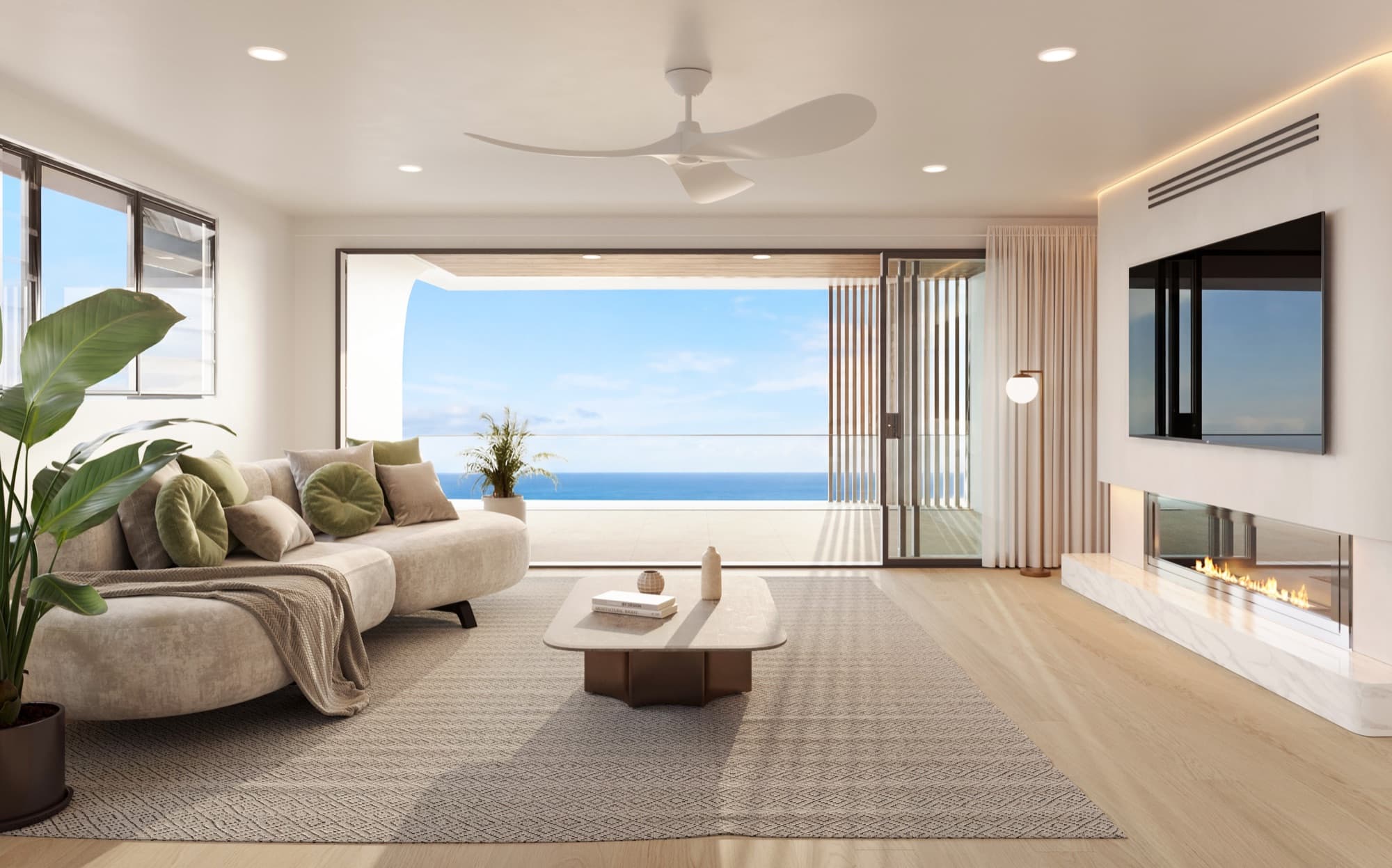
A still gives one view room to work. Buyers can pause over the kitchen joinery, compare a finish, or look again at the facade while discussing the home with an agent. The same approved image can support a property listing, brochure, website or presentation when exported for those uses.
Stills are also easy to compare. A buyer looking at two layouts can place their plans and relevant images side by side. A good camera establishes what the room contains and how the main elements relate, without requiring the viewer to follow a sequence.
That makes the still-image brief the natural starting point for many projects. Confirm which homes and features need coverage before deciding whether movement would add useful information.
What can a walkthrough video explain?
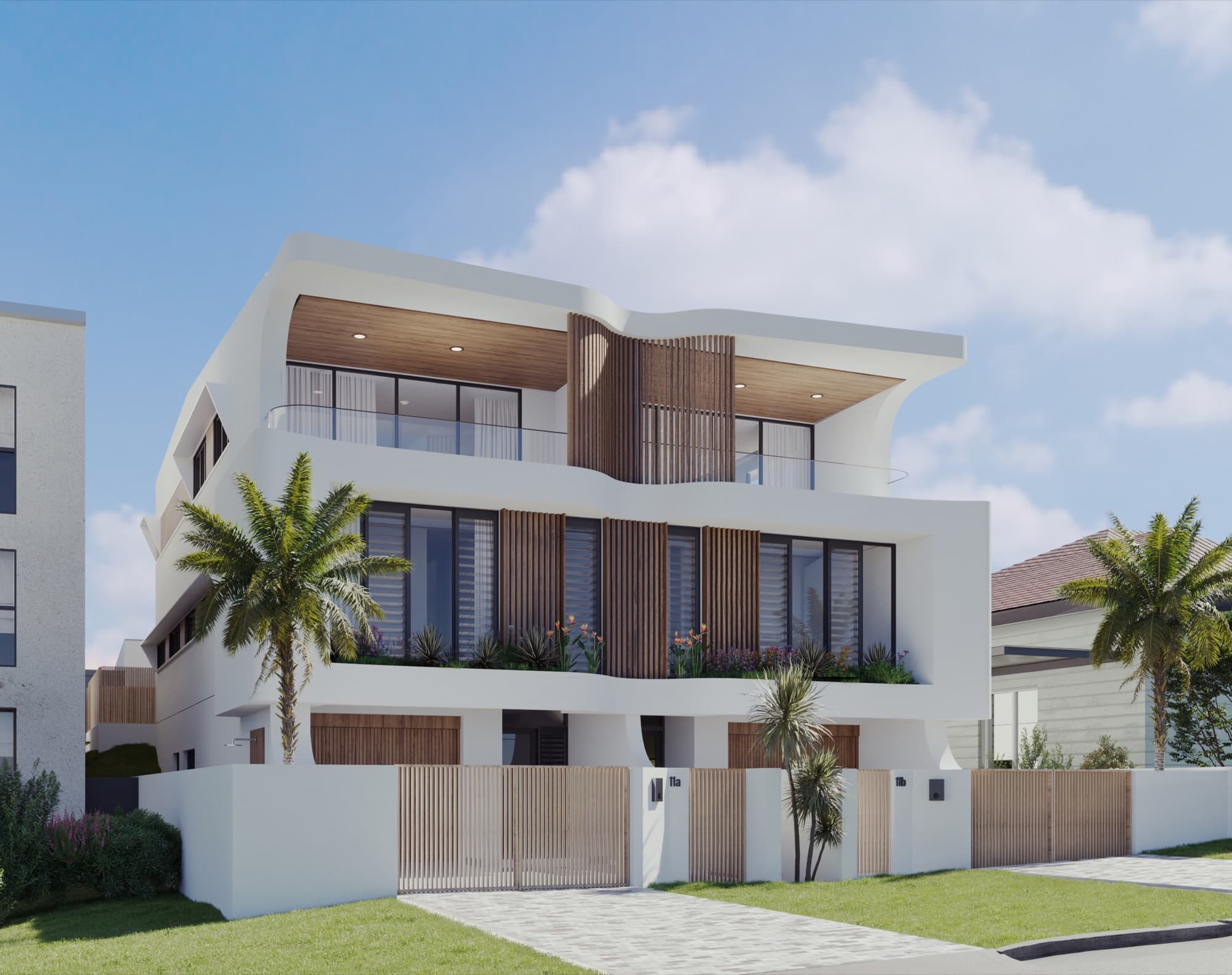
Movement can connect views that a buyer may struggle to assemble from separate images. A route from the entry into the living space, then out to a courtyard, can explain how the rooms relate. An approach shot can introduce the building and make the entrance easier to locate.
A film also gives the presentation a deliberate order. Start with the setting, move into the home, and finish on the feature that best supports the project's brief. Keep that sequence tied to the actual layout and the story the sales team needs to tell.
| Campaign use | Stills | Video |
|---|---|---|
| Comparing finishes | A clear image can be inspected closely | A detail shot can introduce the material in a sequence |
| Understanding room connections | Several cameras and a plan explain the arrangement | A continuous route can connect the spaces |
| Printed brochure or signage | Prepared stills suit the printed placement | Link readers to the film online |
| Agent presentation | Useful for focused discussion of a particular view | Useful for introducing the project before questions |
| Website or social campaign | A strong image can communicate immediately | A short edited sequence can show movement and atmosphere |
When are stills enough?
Stills may be enough when a compact set and a readable plan explain the homes clearly. A straightforward layout with familiar room connections may not need a full walkthrough to make sense. Focus on covering the exterior, main living space and any distinguishing features well.
Ask the sales team what they would explain with a film that they cannot already show in the images and plans. If the answer is unclear, refine the image set first. The townhouse and duplex shot-list guide is a useful place to start.
What is a build-up video, and is it different from a walkthrough?
A build-up video shows the building assembling on screen. A walkthrough follows a camera through the finished spaces. A campaign film can combine treatments, but the brief should make clear which one is intended and what the viewer should understand from it.
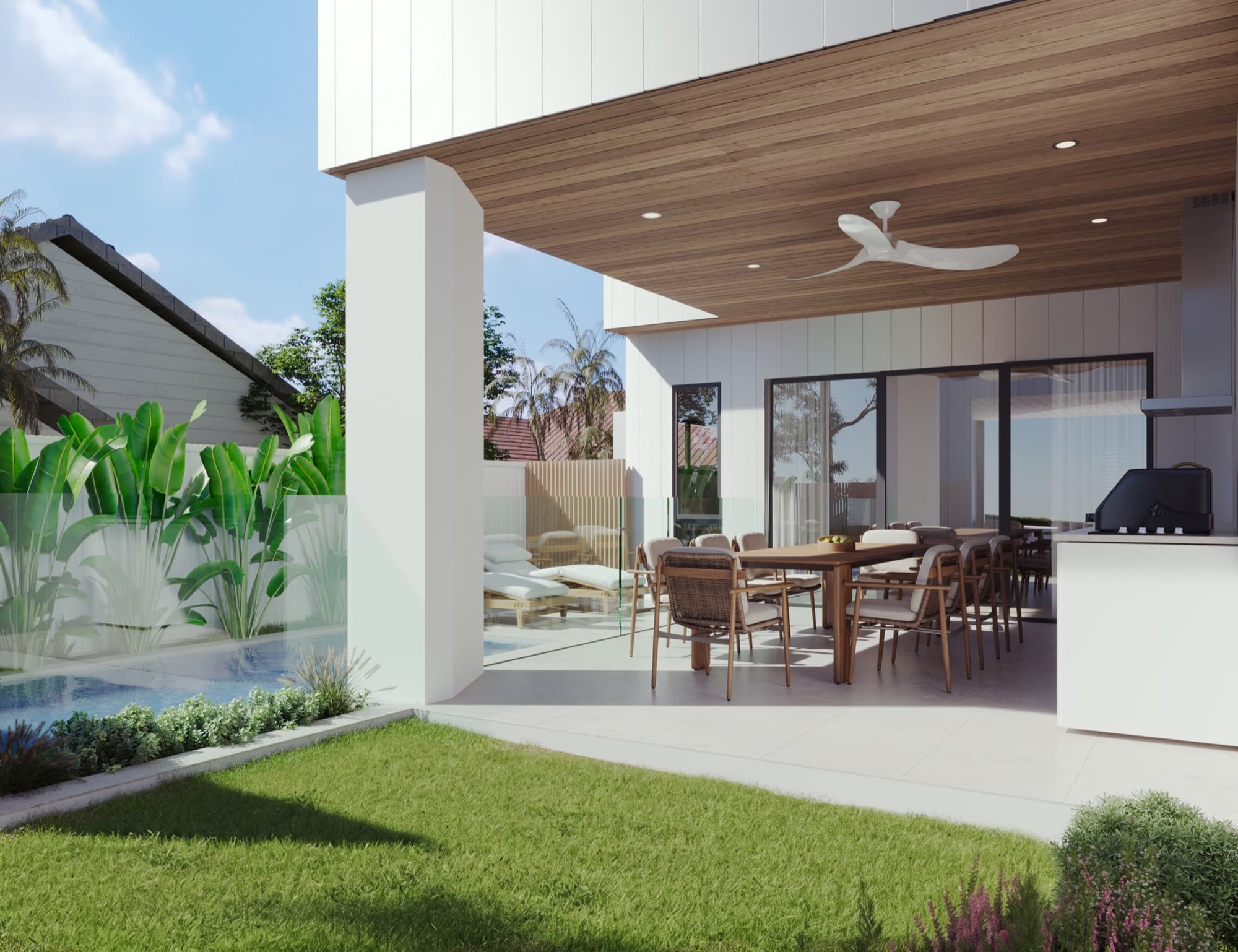
For Soleil in Redhead, Render Works produced a build-up film alongside the still renders. The film assembles the home and then introduces activity around the finished property. The stills let the viewer return to the kitchen, bathroom, outdoor area and exterior as separate views.
Watch the Soleil film to see that treatment. It is one creative option within the wider cinematic video service, not a substitute for deciding which approach fits your own development.
Should the film and stills be briefed together?
Brief them together when you expect to commission both. The approved drawings and materials should be shared, while the camera requirements can differ. A still may show only one room; a walkthrough may reveal the corridor, adjoining room or exterior beyond it.
Specify the proposed route, important features and intended viewing context. A film for a website introduction may need a different edit from a clip used in a social feed or a longer agent presentation. Agree those versions as deliverables rather than assuming every use can be covered by one file.
For listings, your agent should confirm the media supported by the selected advertising product. Domain's project advertising information is a starting point for that conversation.
How do you review a film before final delivery?
Review the camera route before concentrating on small styling details. Check that the sequence is understandable, that the views represent the intended homes and that the important features remain visible for long enough to read.
Then review the finishes, landscape and surrounding context against the approved references. The film and stills should agree. When one changes, identify whether the corresponding asset also needs updating.
For the website, give visitors a choice: a clear poster image and a play control alongside the still gallery and floor plans. The development website checklist explains how to connect those assets into one useful page.
Frequently asked questions
Do all property developments need a walkthrough video?
No. Start with what the buyer needs to understand. If stills and plans explain the homes clearly, a film is optional; add one when a sequence or movement contributes useful information.
Can a walkthrough replace the still renders?
Stills remain useful for property galleries, print and detailed discussion of individual views. A film can complement them by showing connections or introducing the development in a sequence.
Is a build-up video the same as a walkthrough?
No. A build-up treatment assembles the building on screen, while a walkthrough moves through finished spaces. A campaign film can combine the two when the brief calls for it.
Can we request website and social versions of the film?
Yes. Specify the intended placements and required edits in the brief. The format, framing and sequence should be planned for where each version will be watched.

Choose the right mix of stills and film
Tell us what buyers need to understand about the development. We will help plan the cameras and video treatment.
Discuss your project