Australian developers
What should an off-the-plan development website include?
Last updated
An off-the-plan development website should explain the homes, show their plans and finishes, identify the location and make it easy to enquire. For an Australian project, organise approved renders, optional video and residence information around those tasks. Give buyers a clear next step and keep the published information current as the campaign changes.
What should buyers see first?
Lead with the project name, its location and a clear image of the proposed development. Add a short explanation of the homes being offered and a visible way to explore them. The opening screen should orient the visitor before asking them to watch a film or download a document.
Choose the leading render for the layout of the page. A full-width desktop image and a narrow phone screen do not show the same composition. Check that the building, entrance or important room remains visible in both crops.
The website should also make it clear which imagery shows the proposed building. Use meaningful captions where a view represents a particular residence or finish scheme, so visitors can connect the image to the right plan.
Which sections belong on the website?
Build the navigation around the questions a buyer will ask. A small development can answer them on one well-organised page. A larger project may need individual residence or building pages, but the information should still be easy to move between.
| Section | What it should help the buyer understand |
|---|---|
| Development overview | The project, location and type of homes |
| Residences | The available home types and their distinguishing features |
| Floor plans | Layouts, labels and dimensions supplied by the project team |
| Gallery | Exterior, interior and outdoor-space views tied to the homes |
| Finishes | The selected materials and fittings relevant to the campaign |
| Location | The actual site and useful surrounding context |
| Project team | The named businesses involved in delivering the development |
| Enquire | How to reach the sales team and what to expect next |
Avoid repeating the same general description in every section. Use the residence section to explain differences, the gallery to show them and the enquiry section to help the buyer discuss a particular home.
How should floor plans and residence information work?
Make plans large enough to inspect on a phone and easy to download or open separately. A small decorative thumbnail does not help someone understand room connections or compare layouts. Keep residence labels consistent across the plan, gallery, brochure and enquiry form.
If availability is displayed, assign someone to maintain it. Agree what the site will show when a residence changes status and how the sales team passes that update to the website owner. A simple process used consistently is more useful than an elaborate display nobody maintains.
Give each distinct home type enough information to stand on its own. Where imagery is shared across similar residences, identify what the image represents and direct buyers to the relevant floor plan.
What should the render gallery and video contribute?
The gallery should explain the property in a useful order: the building, main living spaces, distinguishing details and outdoor areas. Add an aerial where the site arrangement needs explanation. Each image should contribute something beyond a second crop of the same view.
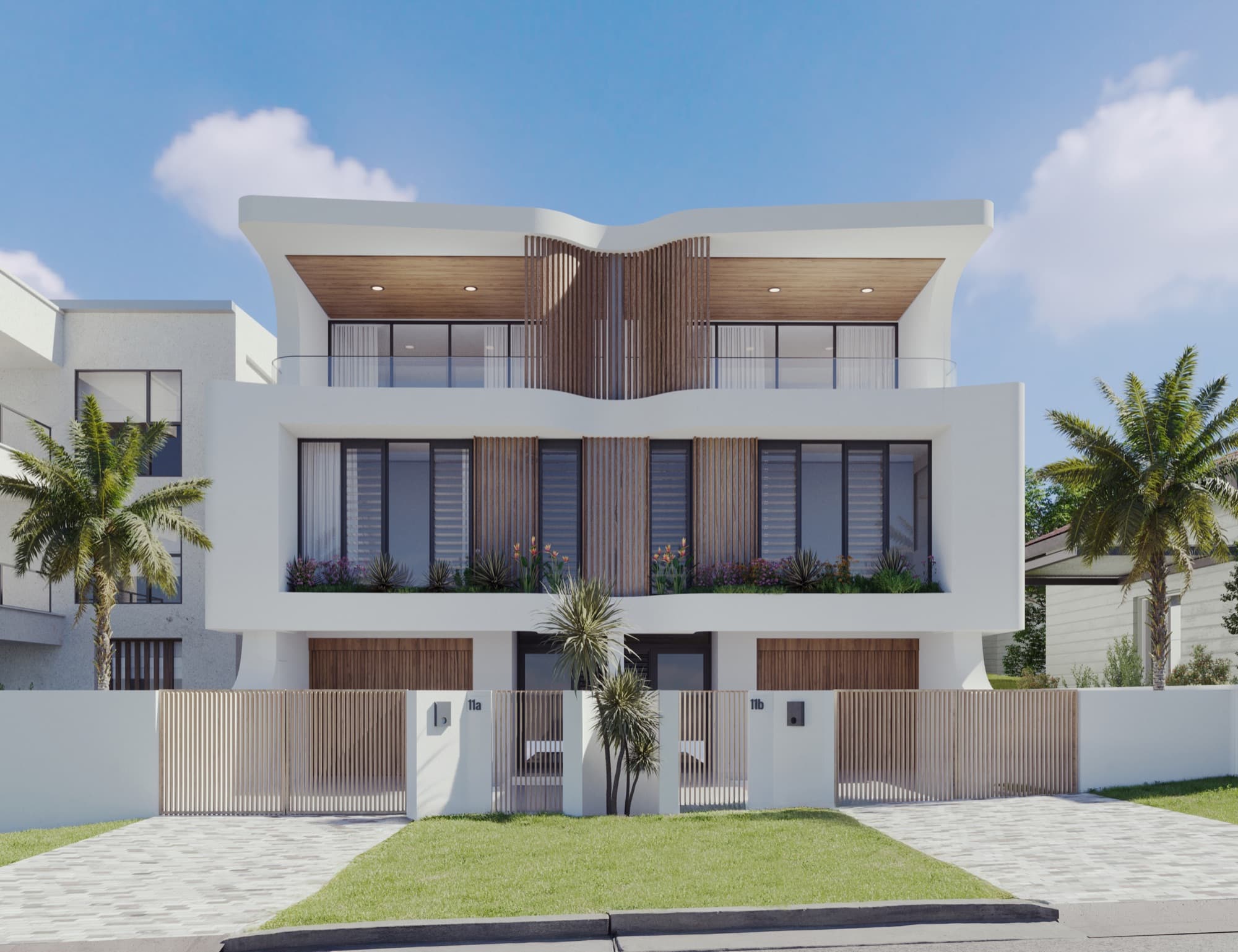
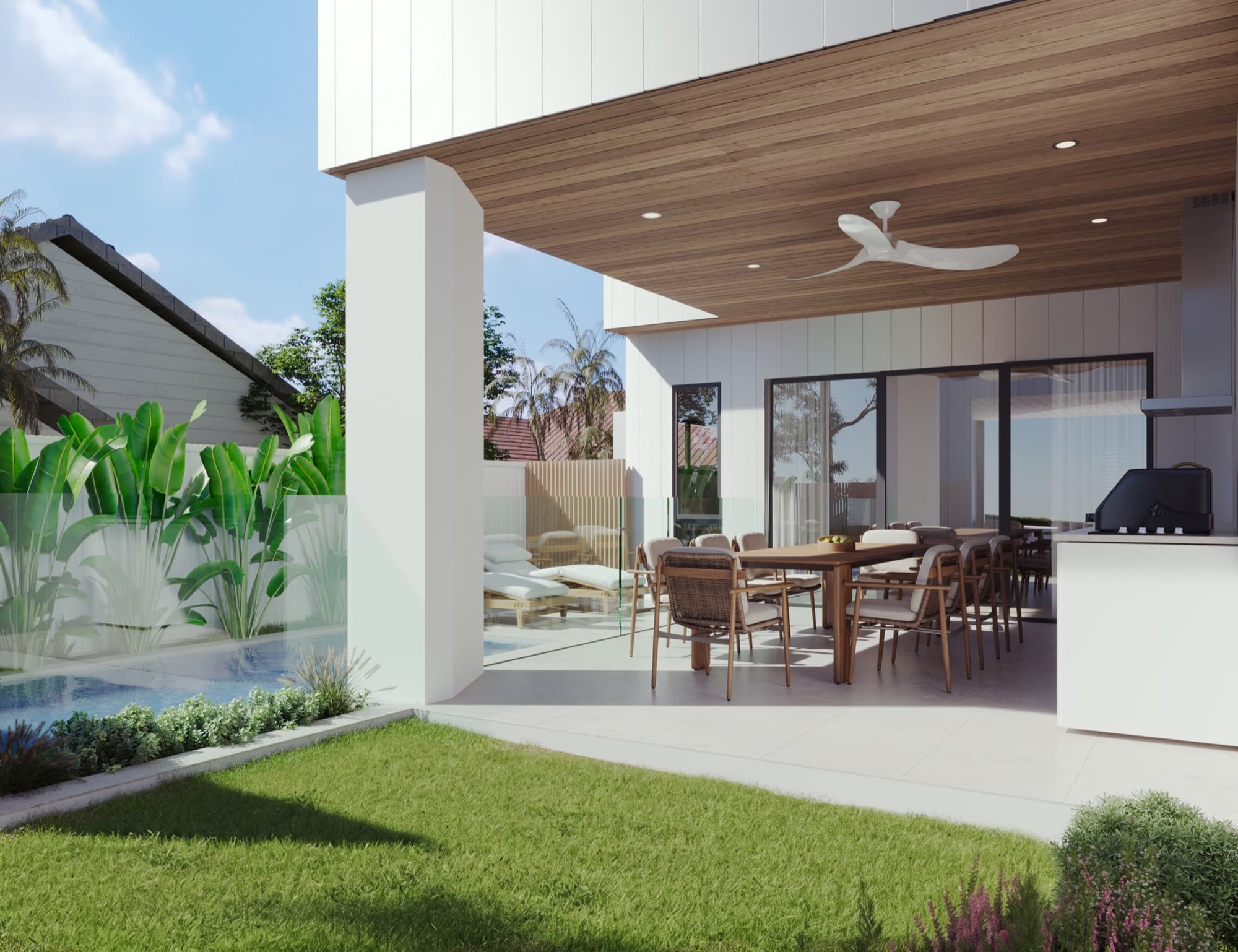
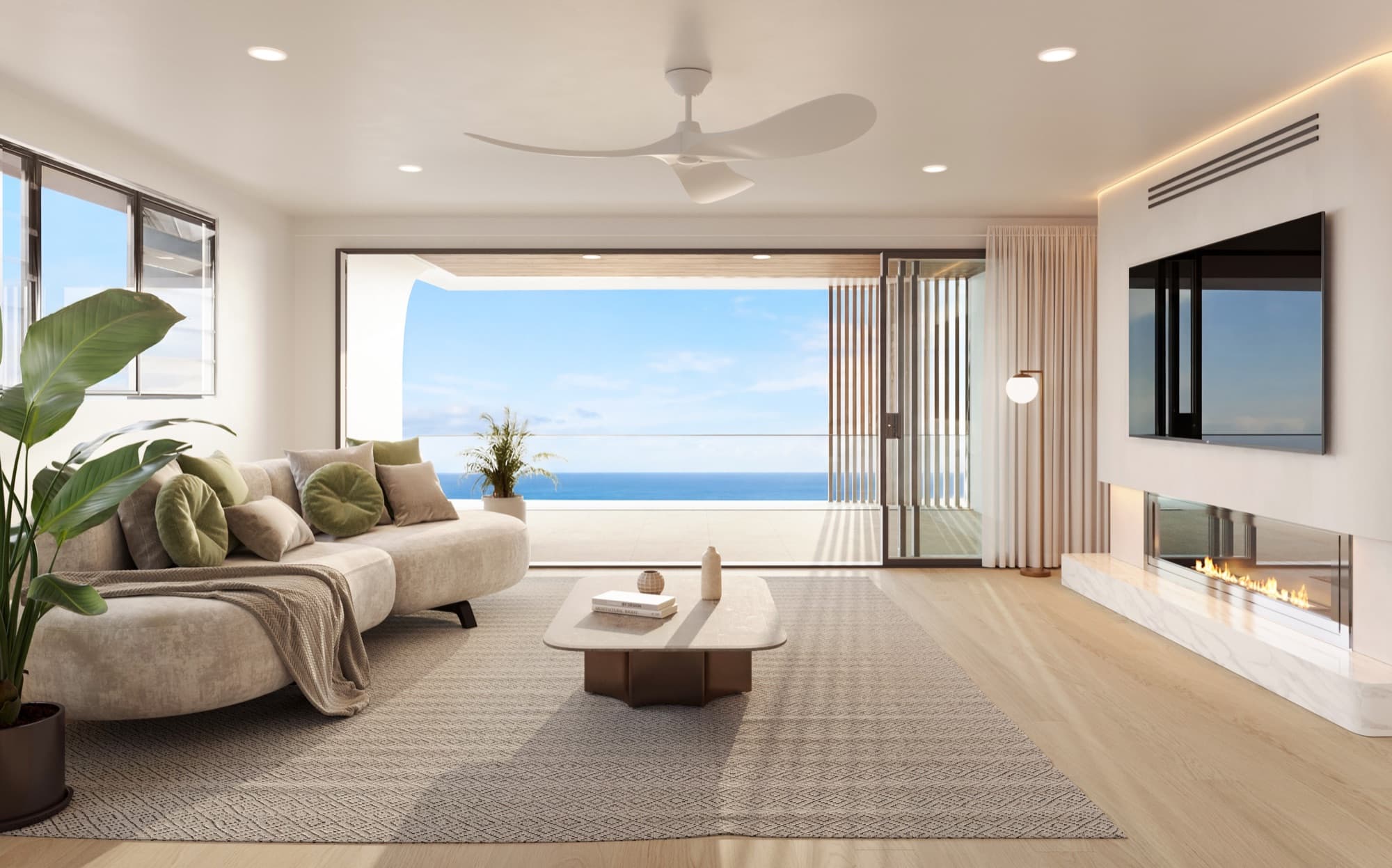
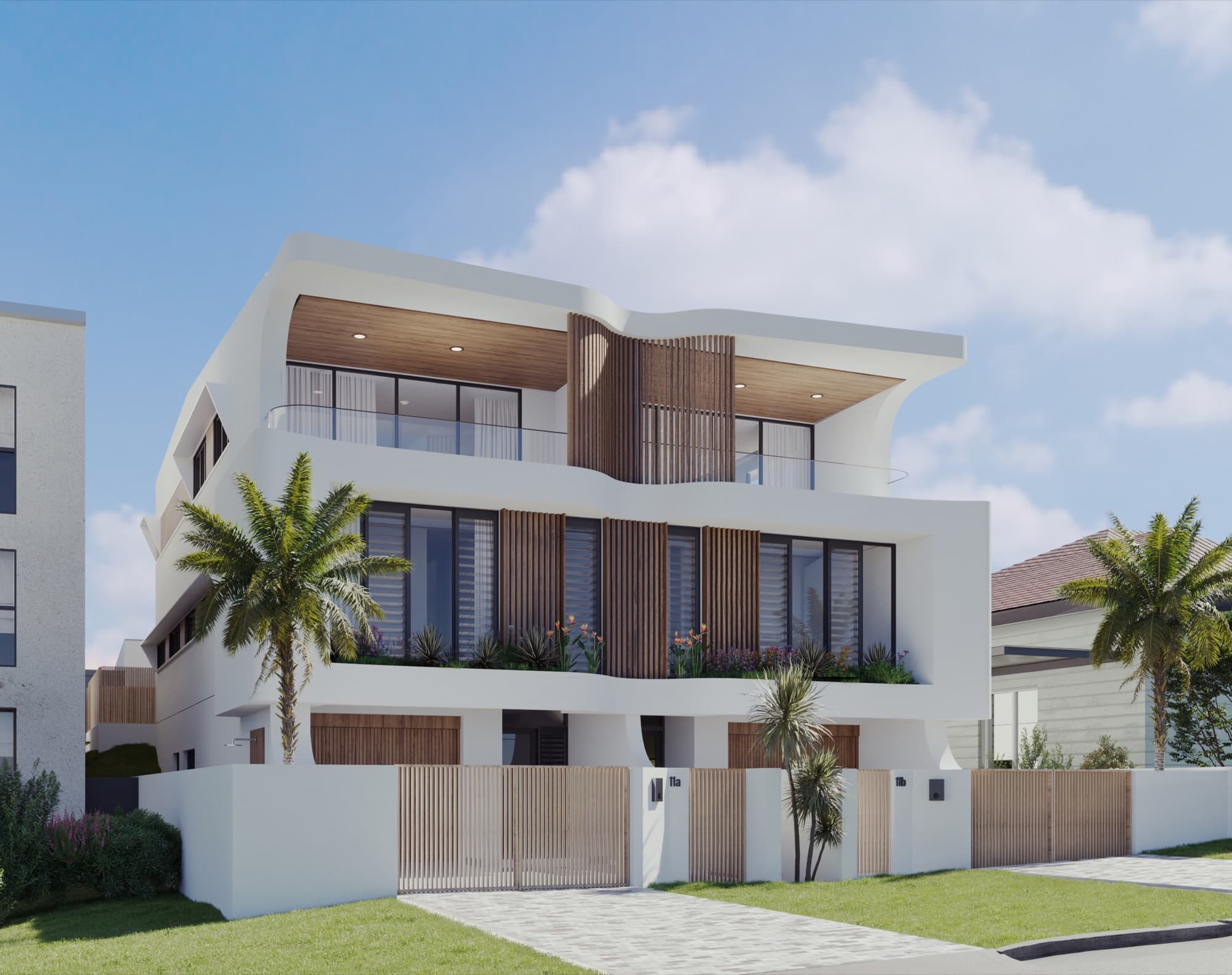
Soleil in Redhead provides an example of a coordinated Australian image set. The exterior, interiors, alfresco area and aerial all describe different parts of the development. Those assets can support distinct sections of a website instead of filling one undifferentiated gallery.
Place an optional film where it adds context, with a visible play control and a useful poster image. Keep floor plans and stills available for visitors who want to inspect a specific detail. Our stills-and-video guide explains the different roles.
What makes the enquiry process useful?
Ask for the information the sales team needs to respond, and keep the route obvious. A buyer interested in a particular residence should be able to identify it in the enquiry. Use descriptive buttons such as "Enquire about this residence" or "Request the brochure" where those actions are available.
Before launch, test the whole journey:
- Submit an enquiry from both a phone and a desktop.
- Confirm it reaches the intended sales contact.
- Check that the selected residence or enquiry topic is retained.
- Open any promised download or confirmation message.
- Verify phone and email links and the visible contact details.
Agree who checks incoming enquiries and how they are followed up. The website's job is to make that handover clear.
How does the website fit alongside Australian property portals?
Use the development website to bring the full project information together, while the agent manages the selected portal listings. Keep the names, plans and imagery consistent across those channels. Domain provides dedicated project advertising for builders and developers; confirm with the agent how it fits the campaign.
The Australian launch checklist covers the wider asset pack, including brochures and signage. Plan those materials alongside the website so the same approved images and information are used throughout.
What should you brief to Render Works?
Send the plans, project branding, selected imagery and the information the site needs to present. Identify the residences, the sales contact and who will maintain the campaign after launch. Flag any required brochure downloads, video or enquiry connections at the start.
Render Works produces bespoke development websites alongside renders, film and marketing assets. Preparing those elements together gives the design team a consistent set of material to work with and a clear understanding of the buyer journey.
Frequently asked questions
Does a small development need a large website?
No. A focused page can work when it clearly explains the project, homes, plans and enquiry process. Separate pages become useful when the development has more distinct residences or information to present.
Should floor plans be available on mobile?
Yes. Plans should be readable and easy to open or download on a phone. Keep the residence names consistent with the gallery and enquiry form.
Should the website show availability?
Only display availability if the project team has a process for keeping it current. Assign an owner and agree how changes reach the person maintaining the website.
Can Render Works build the website using the project renders?
Yes. Render Works creates development websites alongside architectural renders, cinematic video and marketing collateral. Share the campaign brief so the images and page layouts can be planned together.

Bring your development website and visuals together
Share the project plans and campaign outline. We will help define the pages, images and enquiry journey.
Discuss your project