Australian developers
What is a property build-up animation, and when should you use one?
A property build-up animation shows a proposed building taking shape on screen, usually moving from the site through a series of assembly stages to the finished development. It can form the opening of a longer marketing film containing exterior, interior and lifestyle scenes. For an off-the-plan campaign, its main job is to make the change from site to completed project easy to follow.
Use it when that transformation is an important part of the story. If the buyer mainly needs to understand a floor plan, an interior walkthrough or a clear set of stills may answer the question more directly. The choice starts with the information the campaign needs to communicate.
Watch the Soleil example from Redhead, NSW
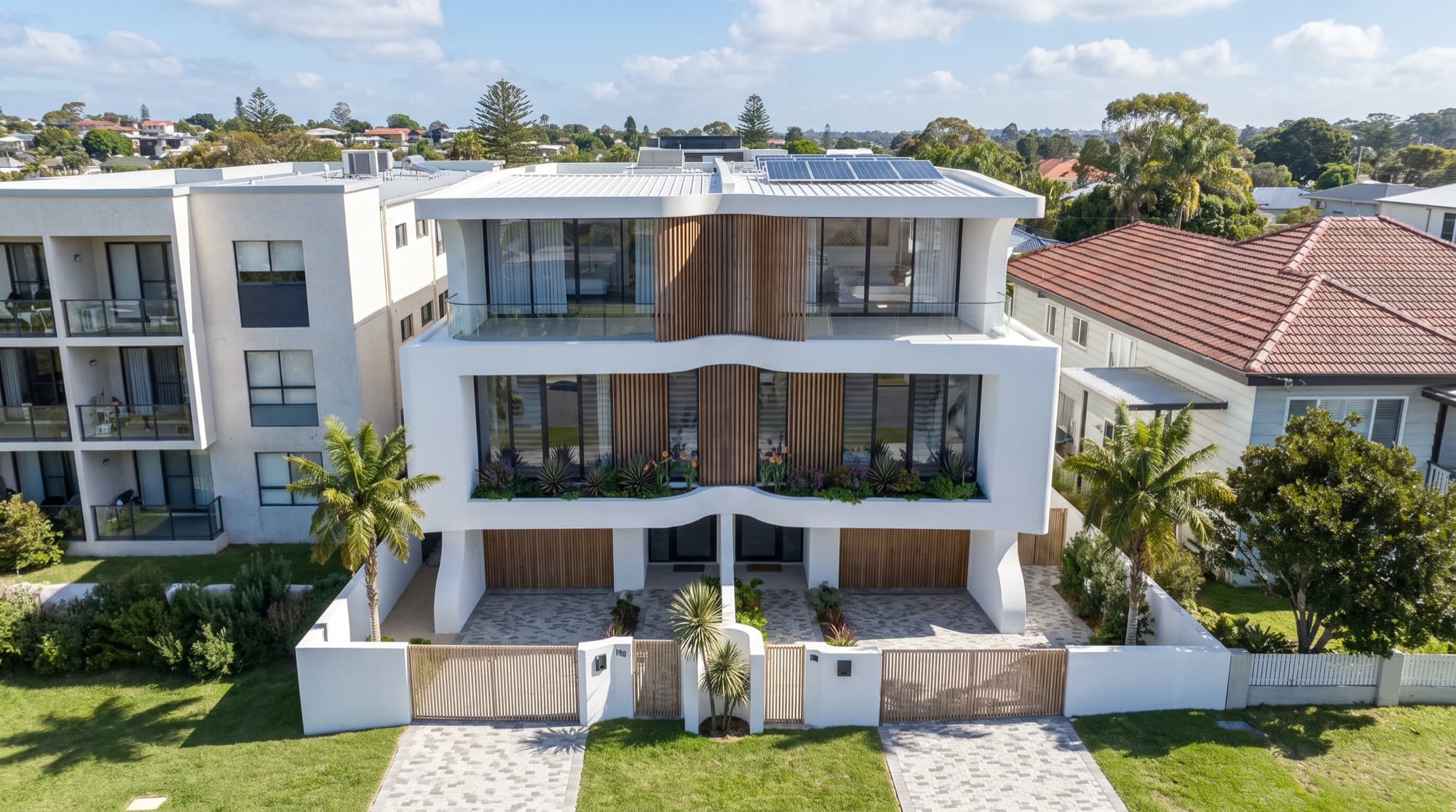
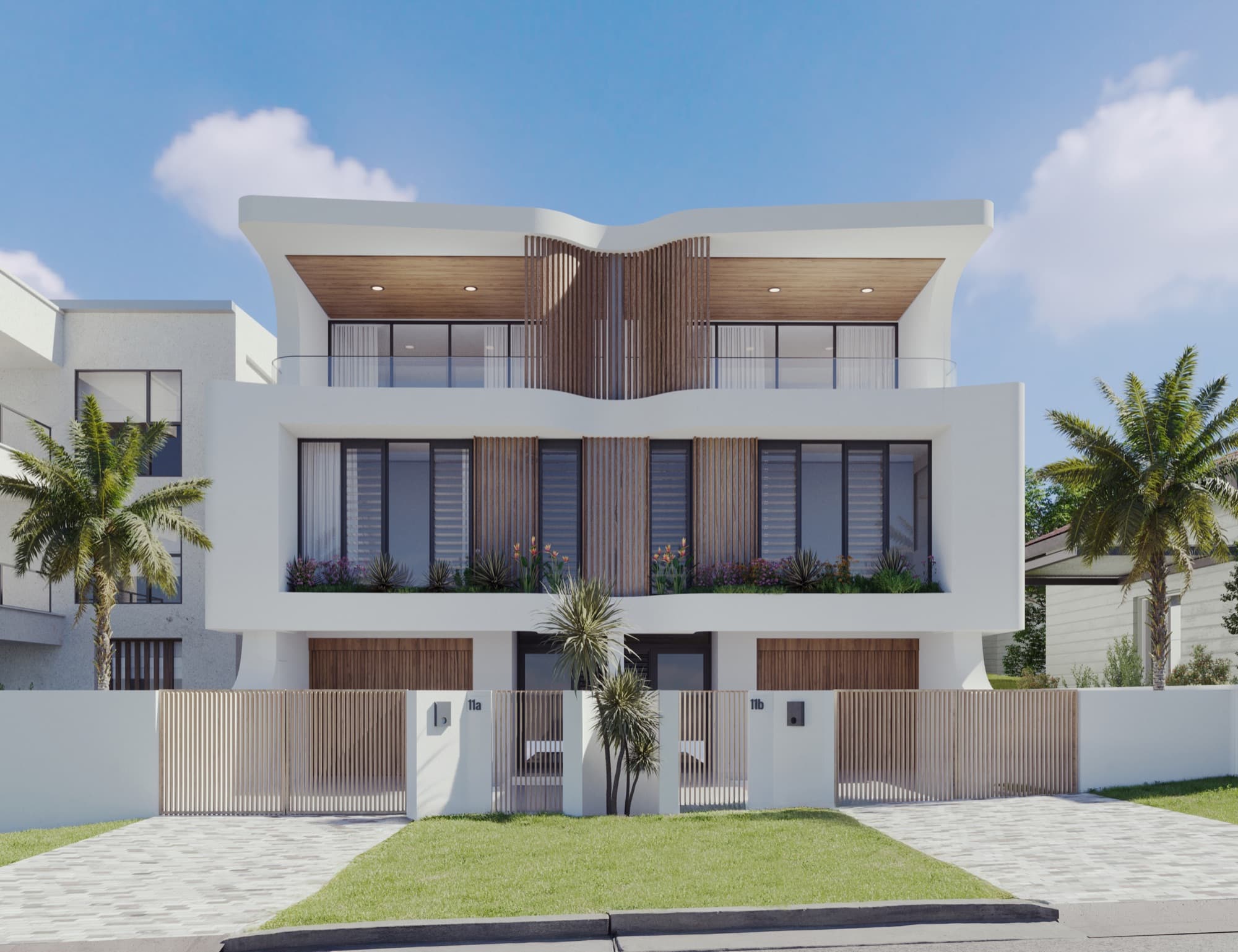
Render Works produced the following film for Soleil, a JPMH Properties development in Redhead, in Lake Macquarie. The opening assembles the development within its surrounding streetscape. The film then moves through completed exterior and interior scenes, with people, a car and changes in lighting adding movement.
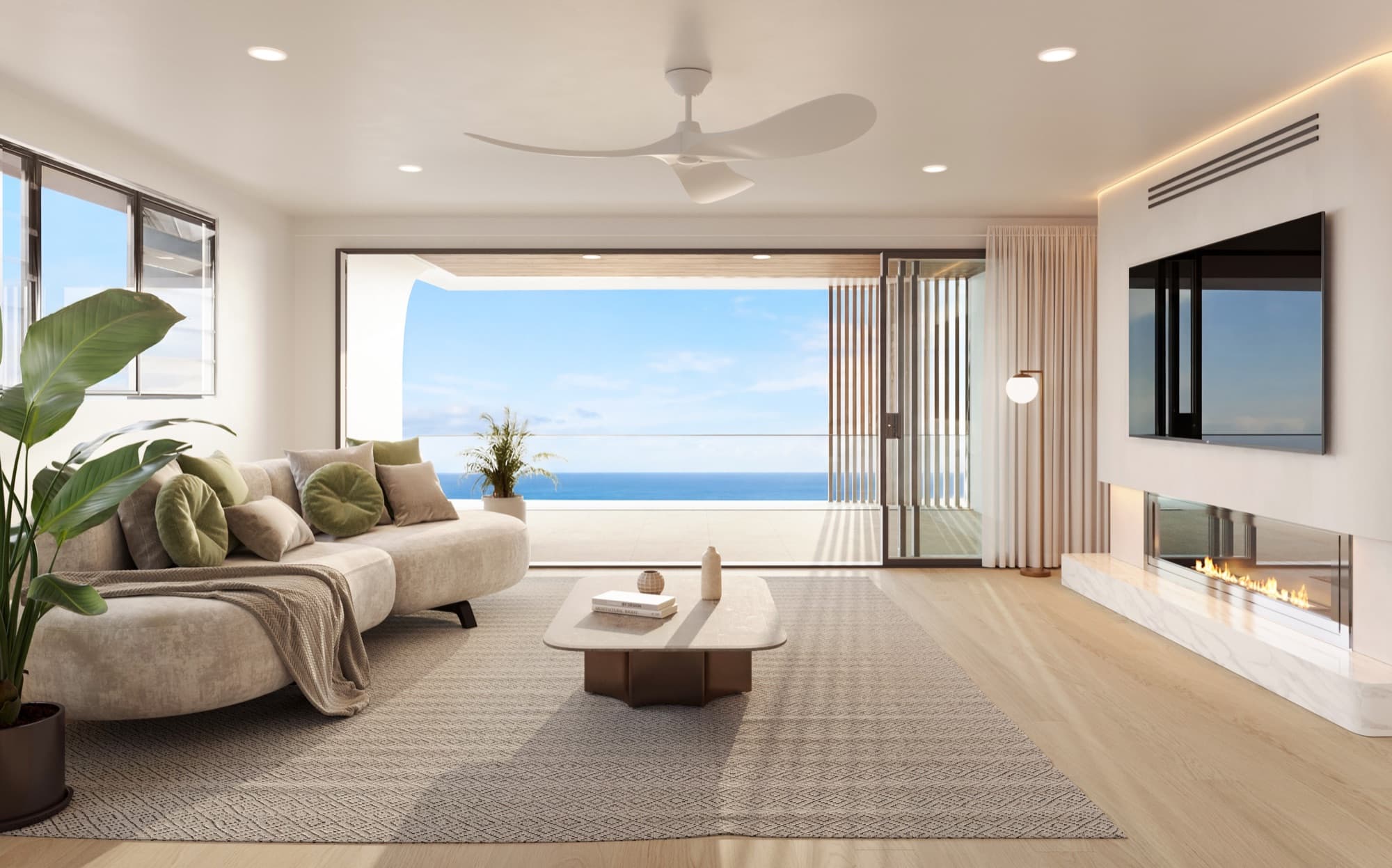
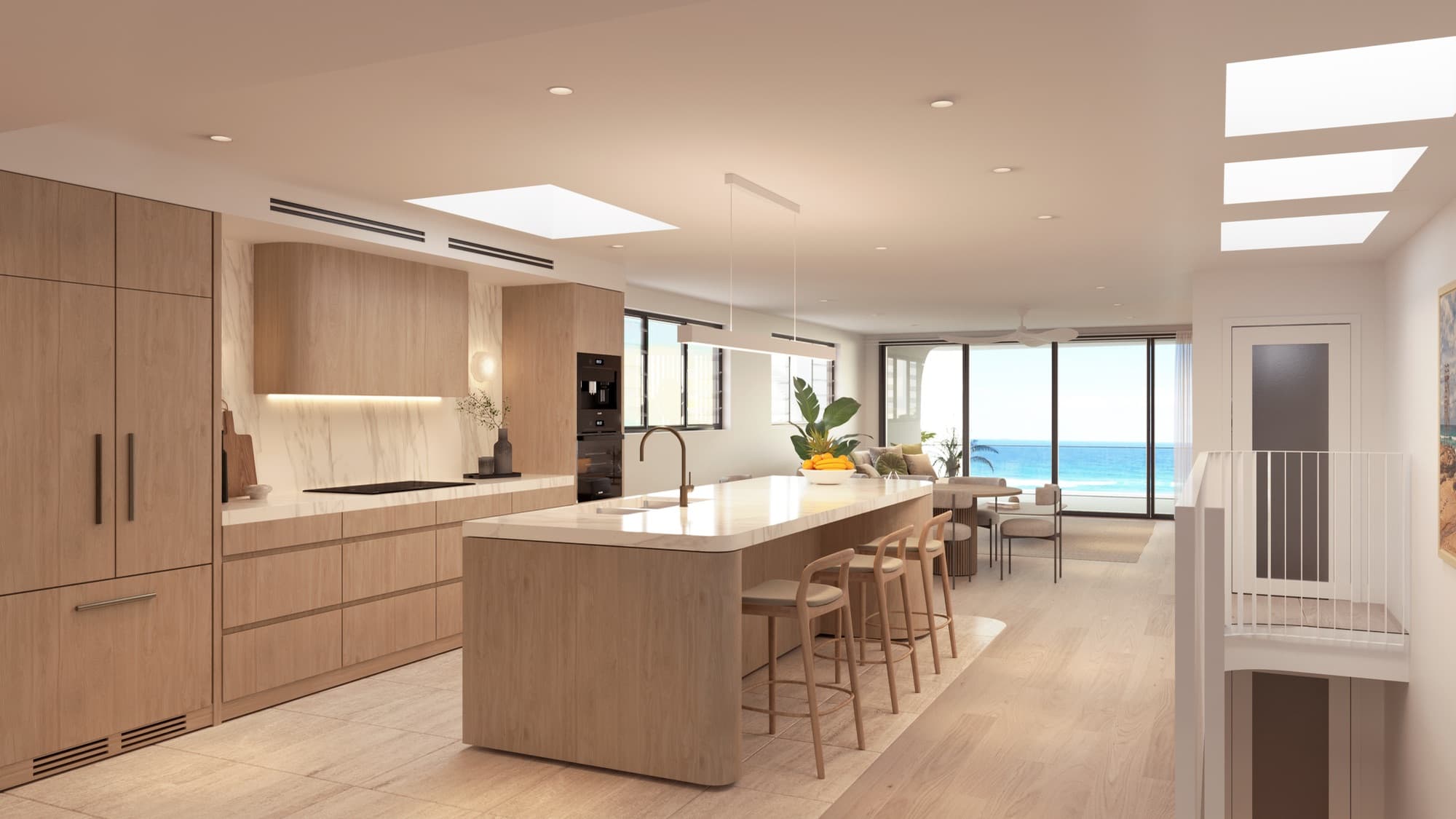
Visual description: after the project title, an aerial view shows the site changing through structural and finishing stages into the completed homes. The film then shows arrival at the frontage, furnished living spaces, a bathroom, people carrying surfboards outside, an alfresco area, a kitchen and the facade changing from daylight to evening. The full film runs for approximately 68 seconds.
The short assembly sequence is one part of the film. Calling the whole production a build-up video does not mean every scene depicts construction. This distinction helps when comparing references and requesting a scope: identify the sequence you want, as well as the rest of the film around it.
How does a build-up differ from a walkthrough?
| Format | Main subject | Useful briefing question |
|---|---|---|
| Build-up sequence | The transformation from site or initial form to completed architecture. | What needs to appear, and in what visual order? |
| Walkthrough | Movement through or around the proposed spaces. | Which spatial connections should the viewer understand? |
| Film made from approved views | A sequence of selected scenes, with movement and editing. | Which features and moments belong in the finished edit? |
| Still render | One carefully composed view. | What must this image explain on its own? |
A campaign can combine formats. Soleil uses an assembly opening and then completed scenes. That is different from an uninterrupted camera journey through every room. Describe the intended viewer experience rather than relying on a format name that different suppliers may interpret differently.
Our walkthrough video versus still renders guide covers the broader choice between moving and static images. This guide focuses on the extra decisions an assembly sequence introduces.
When is a build-up sequence useful?
Consider it when the existing site makes the proposed outcome difficult to picture. A viewer can see the relationship between the site, the emerging building and the final streetscape in one sequence. This can be particularly useful at the start of a project film or presentation, before the edit moves into individual rooms.
It can also give a project launch a recognisable opening. The animation establishes which development the rest of the film describes. If the film will be watched repeatedly on a display, discuss whether the opening should be shorter or whether the display needs a different edit.
There is no need to force an assembly effect into every campaign. A project with a distinctive courtyard may be better introduced through that space. A small image-led listing may need a strong frontage and kitchen first. Decide what buyers need to see, then choose the format that serves that purpose.
Does the animation show the actual construction programme?
A marketing assembly sequence can simplify or rearrange stages to make the transformation readable. Treat it as a visual explanation unless the brief specifically calls for a technically checked construction sequence. Do not infer a contractor's methods, programme or completion dates from an edited property film.
If construction sequencing is the purpose, involve the project team responsible for that information. Identify which drawings, methods and programme revisions control the animation, who checks it and how changes are approved. That is a different brief from a short opening designed to introduce the finished architecture.
For a marketing film, agree which stages are illustrative and how the film will be described. Avoid adding dates or construction claims simply because a sequence appears to show the project progressing quickly.
What should the developer supply?
Start with the current plans, elevations, site information and any usable model. Include the approved exterior finishes and landscape direction, along with references for the scenes that follow the assembly. The studio needs to know which parts of the project are settled and which remain provisional.
| Brief item | Why it matters |
|---|---|
| Site and context | Establishes what remains visible around the development. |
| Current drawings or model | Defines the building that must appear in the sequence. |
| Finish references | Keeps the completed reveal consistent with the still images. |
| Scene list | Separates the assembly from arrival, interior and outdoor scenes. |
| Intended destinations | Determines aspect ratios, edit versions and playback requirements. |
| Brand and copy | Supplies the approved project name, titles and end frame. |
| Review owner | Gives the studio one coordinated source of feedback. |
Where the opening uses a real site photograph, coordinate the photography before booking the shoot. The camera position and framing need to work with the proposed building. Our drone photography brief explains that handover.
Approve the sequence before polishing the film
Ask for a storyboard or rough sequence that identifies each scene's purpose. At this stage, the useful questions concern order, framing and what the viewer learns. It is easier to discuss a missing site view before detailed finishing than after every scene has been treated as final.
For the build-up itself, identify the starting state, the broad assembly stages and the moment the finished building is revealed. Agree whether the camera stays fixed or moves. If it moves, review how the surroundings remain consistent and whether the building stays legible throughout.
For the rest of the film, check that each scene adds something. A second facade shot may show arrival or a lighting change; another almost identical view may not be needed. Review the draft at ordinary playback speed as well as pausing on important frames.
Keep the completed design consistent across scenes
Check the film against the same drawings and selections used for the still renders. Window divisions, balcony screens, paving direction and installed fittings should not drift between the assembly reveal and later scenes. An attractive transition can make a mismatch easy to overlook during a quick review.
The Soleil case study records specific selections including the driveway brick arrangement and timber kitchen joinery. These details illustrate why a film brief needs material references as well as a general mood. Use a finishes schedule to identify them consistently.
Also review additions such as cars, people and furniture. They should support the scene without obscuring important architecture or implying a feature that is not part of the approved proposal. Give feedback on the specific object or moment so the studio can locate the issue.
Plan for sound, screen shape and the opening frame
The film may be watched silently on a phone, played in a presentation or shown on a larger display. Make sure the core visual sequence is understandable without narration. If the brief includes spoken content, plan captions and the relevant delivery files as part of the scope.
A landscape film is not automatically a usable vertical advertisement. A vertical crop can remove half a facade or separate a person from the space they are showing. Agree any alternative framing or edit before production, and identify which text must remain readable in each version.
Choose a poster image that represents the finished project. On a website, the poster may be visible before playback begins. Avoid making viewers wait through a long title sequence to understand what the film is about, especially where the placement offers only a brief viewing opportunity.
What should be included in the final review?
Watch the actual delivery file from start to finish, on the devices and placements the campaign will use. Check spelling, the project name, scene order, opening and closing frames, and the consistency of the architecture. Confirm the rights needed for any supplied music, photography and other third-party assets with the relevant supplier.
The release note should identify the approved version, aspect ratio, intended destination and any accompanying poster or caption files. Keep outdated edits away from the final handover folder. For portal delivery, use the REA and Domain preparation guide to coordinate the agent's upload route.
Frequently asked questions
Can a build-up animation be made before construction starts?
Yes. It can depict the proposed development from supplied project information. The brief should state the design revision and distinguish the visual assembly from an actual construction programme.
Does it replace architectural stills?
Usually the assets serve different placements. Stills remain useful for galleries, brochures and situations where buyers will not play a film. Plan the combined image and film set around the campaign's needs.
Can an existing set of renders be used?
It may provide approved visual references, but it does not automatically supply all the scene information needed for an assembly sequence. Ask the studio to assess the available files and explain what additional production is required.
How long should the film be?
Set the length around the destination and scene list. Soleil's approximately 68-second film is a project example, not a standard duration or package commitment. Agree the assembly length and overall edit separately.

Discuss a film for your development
Send the project information, intended scenes and places the film will be used. We can help define the brief.
Discuss your project