Australian developers
How to prepare a finishes schedule for architectural renders
A finishes schedule tells the rendering studio which material belongs on each surface. For an Australian development, the useful starting point is the current drawing set, a room-by-room list of selections and labelled product references. Include the product code, colour, finish, dimensions and installation direction where those details affect the image. Mark unresolved selections clearly.
Download the editable finishes schedule template (Excel). It contains project and revision fields, a fictional example row, blank rows for your selections and a status dropdown. Replace the example before issuing it. No email address is required.
What information belongs in a render finishes schedule?
The schedule should let someone who has not attended your design meetings locate a finish and understand its appearance. A product name alone rarely does that. The same tile can appear on a bathroom floor, a shower wall or an outdoor terrace, with a different size or layout in each location.
| Field | What to provide |
|---|---|
| Finish ID | A short code that also appears on marked-up plans or elevations, such as K-01. |
| Room and location | Identify the dwelling type, room and specific surface. |
| Element | State whether the selection applies to a cabinet front, benchtop, wall, floor or fitting. |
| Product reference | Give the manufacturer, range and product code where selected. |
| Colour and finish | Record the colourway, sheen, texture and relevant sample reference. |
| Size and layout | Include tile dimensions, joint direction, timber grain direction or panel arrangement. |
| Reference file | Link to the product page and a labelled sample photograph or technical sheet. |
| Selection status | Use Pending, Provisional, Approved or Superseded. |
| Drawing reference | Identify the relevant drawing, detail and revision. |
| Decision owner | Name who resolves an open selection and when the decision is needed. |
The template is a briefing aid for visualisation. Keep construction specifications, quantities and procurement records in the documents your project team already uses. Link the relevant documents rather than maintaining two conflicting specifications.
Start with the drawing revision
Put the project name, schedule revision and drawing revision at the top. If the kitchen layout is from one issue and the joinery elevations are from another, flag the difference before the studio starts applying materials. A beautifully organised schedule cannot resolve a conflict about where a wall or cabinet belongs.
Use the same room names across the plans, schedule and image list. For repeated homes, distinguish a shared selection from a dwelling-specific exception. “All kitchens except Residence 3” is more useful than copying a mostly identical schedule and leaving the studio to find the changed cells.
When a drawing changes, identify the affected finish IDs. A revised island may change the visible stone edge, cabinet returns and grain direction even if the selected products stay the same. That is a geometry decision as well as a material decision.
How specific should material references be?
Give the studio the best available evidence for the appearance you intend. Product links help identify a selection, while photographs of the actual sample help explain variation and texture. Neither should be left unexplained in a folder of unrelated inspiration images.
For a stone surface, identify the product, colourway, intended vein scale and any selected slab reference. For timber, specify whether the reference describes colour only or the grain and board layout as well. For tiles, show the face size, pattern, grout colour and orientation. A small thumbnail can hide the very detail that matters in a close kitchen or bathroom view.
Take sample photographs in even light and retain the original file. Avoid strong colour filters. Label the sample within the filename or accompanying schedule so its identity survives when it is forwarded. If two photographs show the same material under different lighting, say so rather than presenting them as two competing selections.
Screens and lighting can change how a finish appears. Review the rendered material against the supplied references in the intended scene, and use physical samples for physical material approval. The image is not a colour-calibrated substitute for the product itself.
A worked example of a useful instruction
“Timber kitchen” leaves several decisions open. A more useful brief identifies the exact doors, end panels and shelving, then provides a product reference and grain direction. The following is an illustrative instruction, not a selection from a client project:
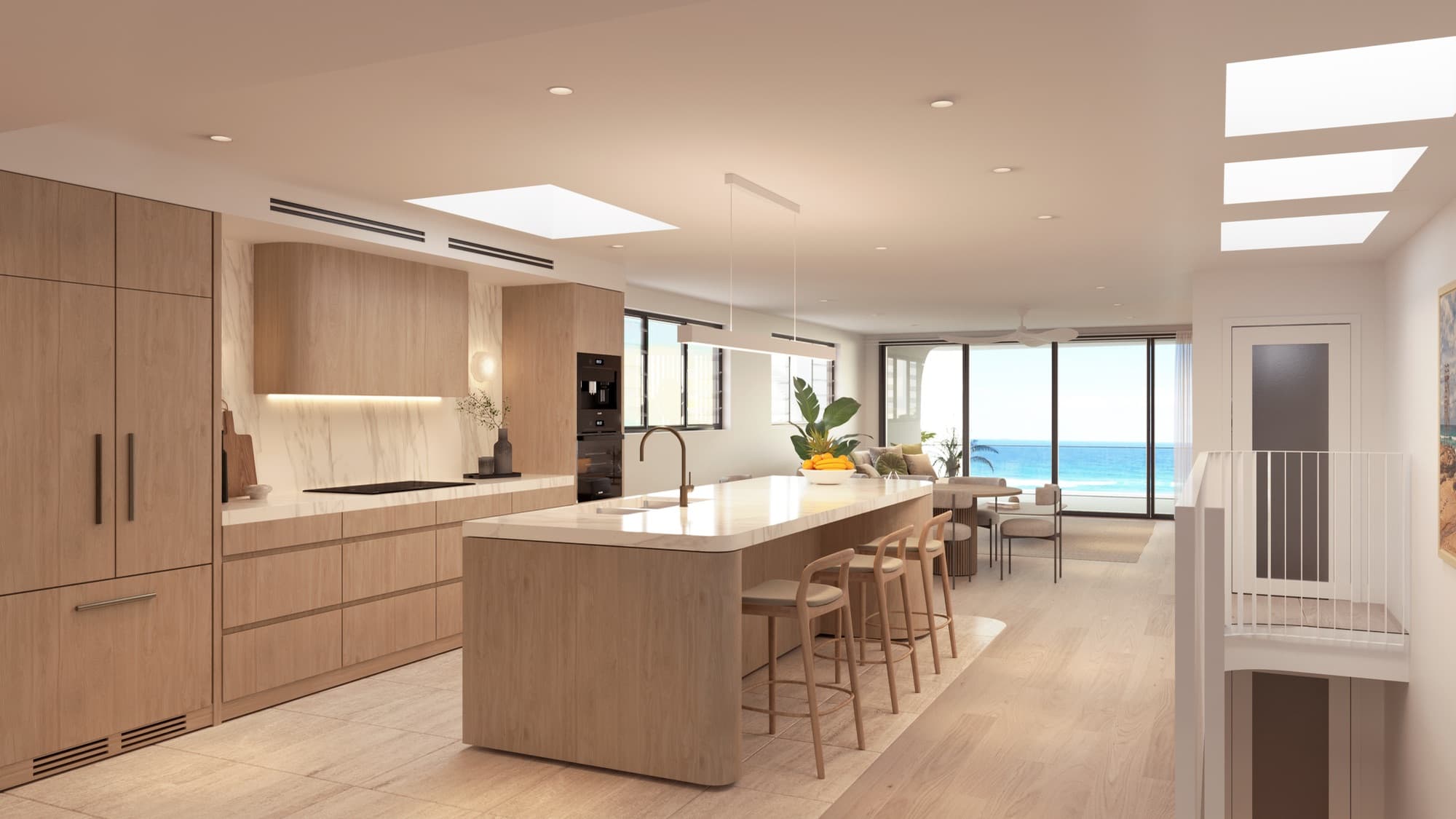
K-01: apply the nominated oak finish to the island front and full-height pantry doors. Run the grain vertically. Keep the benchtop and recessed handles as separately scheduled items. Product code and sample photograph are pending confirmation by the interior designer.
This instruction makes the remaining uncertainty visible. It does not turn an unselected product into an approved one. Once the product is confirmed, update the same row, attach its reference and issue a new schedule revision.
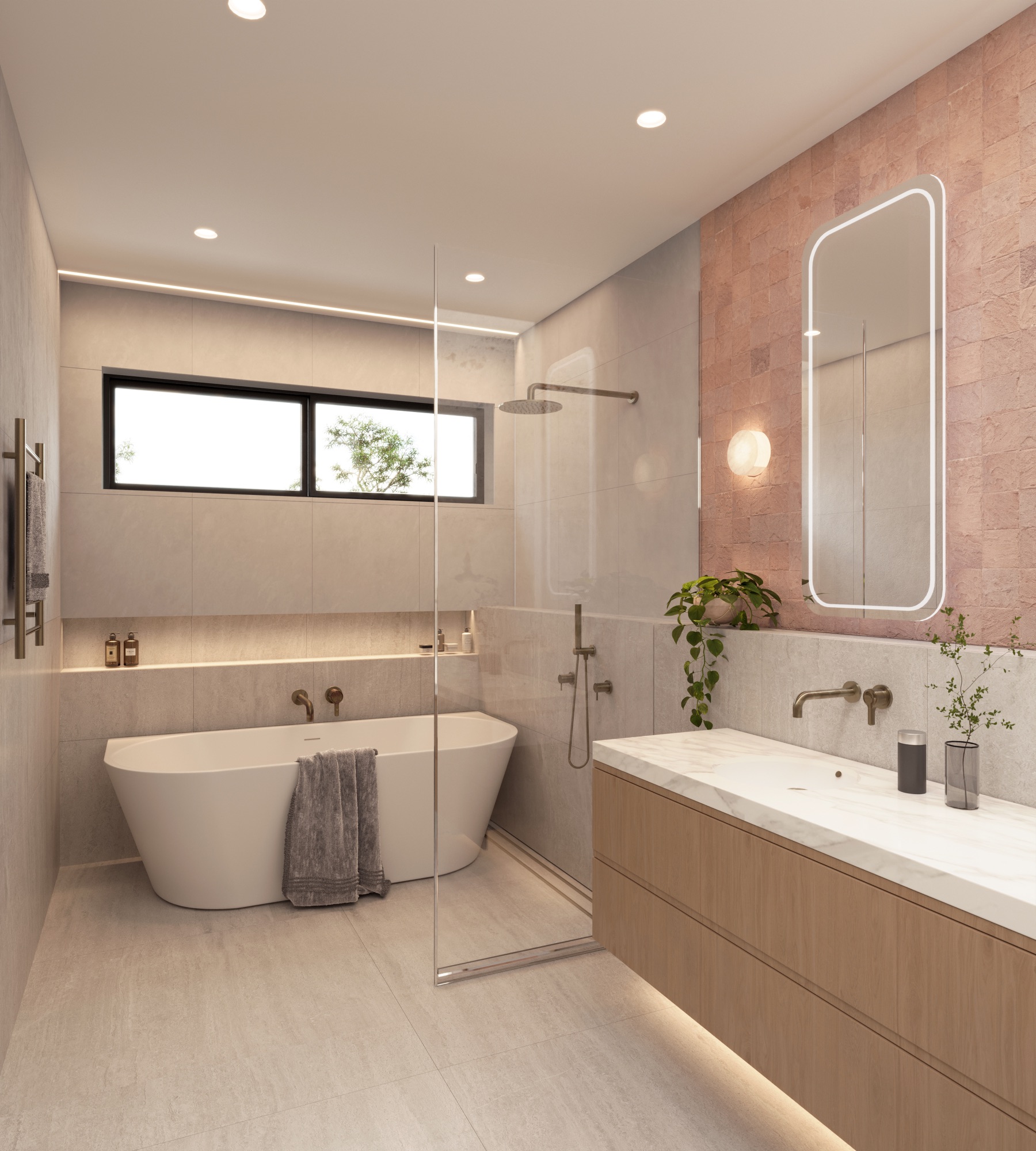
For Soleil in Redhead, NSW, the documented selections included timber kitchen joinery, outdoor tiles, recycled driveway bricks laid sideways and an LED strip above the shower. These are useful examples of the level of detail a schedule should capture. The template does not reproduce Soleil's private schedule or product codes.
Separate fixed finishes from furniture and styling
Built-in joinery, flooring, appliances and installed light fittings belong with the design selections. A loose sofa, a vase or a dining setting may belong in the styling brief. Keeping the two distinguishable helps the team understand which objects represent the proposed development and which demonstrate a possible way to furnish it.
If a pendant is an inclusion, identify the selected model and position. If it is only a styling suggestion, say that explicitly. Do the same for outdoor kitchens, furniture packages and upgrade options. A visual reference should not quietly introduce a feature that the developer has not agreed to show.
Our interior furniture and styling brief covers furniture scale, room use and circulation. Use it alongside the finishes schedule when the same interior scene needs both material accuracy and a considered furnishing arrangement.
What if some selections are still undecided?
Use the status column honestly. Pending means the selection still needs a decision. Provisional means the team has agreed a temporary visual direction. Approved means the named reviewer has confirmed that selection for the stated purpose. Superseded identifies an old selection that should no longer guide production.
Agree which provisional choices can appear in a draft and which prevent final image approval. For example, a background wall colour may be easy to review later, while changing a highly visible cladding system can alter joints, thicknesses and surrounding geometry. Ask the studio about the effect of the specific change before assuming it is a simple colour swap.
Keep an owner and decision date beside open items. The useful question is who can resolve the selection before the next relevant production stage. A spreadsheet full of “TBC” gives the team no way to answer that question.
How should reference files be organised?
Use a shared folder with stable filenames that match the schedule. A practical pattern is finish ID, product or element, and revision. For example, K-01-pantry-oak-reference-v02.jpg is easier to match than IMG_4682.jpg. Keep product sheets and sample photos together where the studio can access them without requesting permission for every file.
Retain superseded files in a clearly marked archive rather than leaving old and new references beside each other with similar names. Issue one short change note with the revised schedule: which IDs changed, which views are affected and whether the change replaces an earlier approval.
Check links from another team member's account before sending the brief. A folder that works only for its owner is not a usable handover. Include a PDF copy of the issued schedule if your team needs a fixed reference alongside the editable workbook.
Review materials in the views where they matter
A facade material needs to work at the scale shown in the street view. A kitchen benchtop may also need a close review for veining, thickness and edge treatment. Match the level of review to the camera rather than requesting the same detail for every object in the scene.
Use an annotated draft to identify corrections. Refer to the finish ID, the affected surface and the reference that controls the change. “K-01 grain should run vertically on the pantry doors” gives a clearer instruction than “the timber feels wrong”. Where the issue is lighting rather than material, describe what you see and let the studio investigate the cause.
Before final approval, compare the current schedule with the architectural render approval checklist. Confirm that superseded selections have been removed from every affected view, including any film scene using the same room.
Frequently asked questions
Can I send a mood board instead of a finishes schedule?
A mood board helps communicate atmosphere and styling. It rarely identifies every surface precisely. Send it with a schedule or marked-up drawing, and label which parts are selected products versus general inspiration.
Do I need every product code before requesting a quote?
You can describe the available information and identify the unresolved selections when requesting a scope. The studio can then explain what it needs for production. Do not label an incomplete schedule final simply to start the conversation.
Can the same schedule cover several dwelling types?
Yes, if the shared selections and exceptions are clear. Add the dwelling type to the location field, and create separate rows where an element or finish differs. Keep the same identification system on the drawings.
What should I send with the completed template?
Send the current plans and elevations, relevant joinery details, labelled reference files, proposed camera list and the name of the person coordinating feedback. The render project briefing guide covers the wider file package.
Does completing the schedule approve the final renders?
No. The schedule records the material brief and its selection status. Final images still need review against the drawings, finishes and intended use. Record image approval separately so the team knows which files can be released.

Prepare your render brief
Send the current drawings, finish selections and proposed views so we can define the visualisation scope.
Discuss your project