Australian developers
What marketing assets do you need to launch an off-the-plan development in Australia?
Last updated
An off-the-plan development launch needs a coordinated set of visuals, plans, project information and enquiry routes. For an Australian campaign, prepare the renders, floor plans, website, brochure and portal assets together, with video where it helps explain the homes. Confirm who approves each item and who receives buyer enquiries before launch.
What belongs in the launch pack?
The launch pack should let the sales team explain the development without assembling information from old emails. Start with a single list of the assets, their owner and the approved version. Add the campaign channels next to each item so every deliverable has a purpose.
| Asset | What to prepare before launch |
|---|---|
| Exterior and interior renders | Approved views tied to the correct dwelling and finish schedule |
| Floor plans and site plan | Legible layouts, consistent residence names and current revision details |
| Project copy | The location, homes, project team and factual features buyers need to understand |
| Development website | Mobile-friendly pages, usable plans and a tested enquiry route |
| Brochure | A coordinated document the agent can send after a conversation |
| Portal listings | Images, copy and plans prepared for the selected advertising products |
| Video | A finished film and agreed versions for the website, presentations and social media |
| Signage and social assets | Crops and artwork prepared for the actual placements |
Not every development needs the same volume of material. A duplex may need a concise website and a focused image set, while several different apartment layouts need a clearer way to distinguish the residences. Set the scope around the homes being sold.
Which renders should lead the campaign?
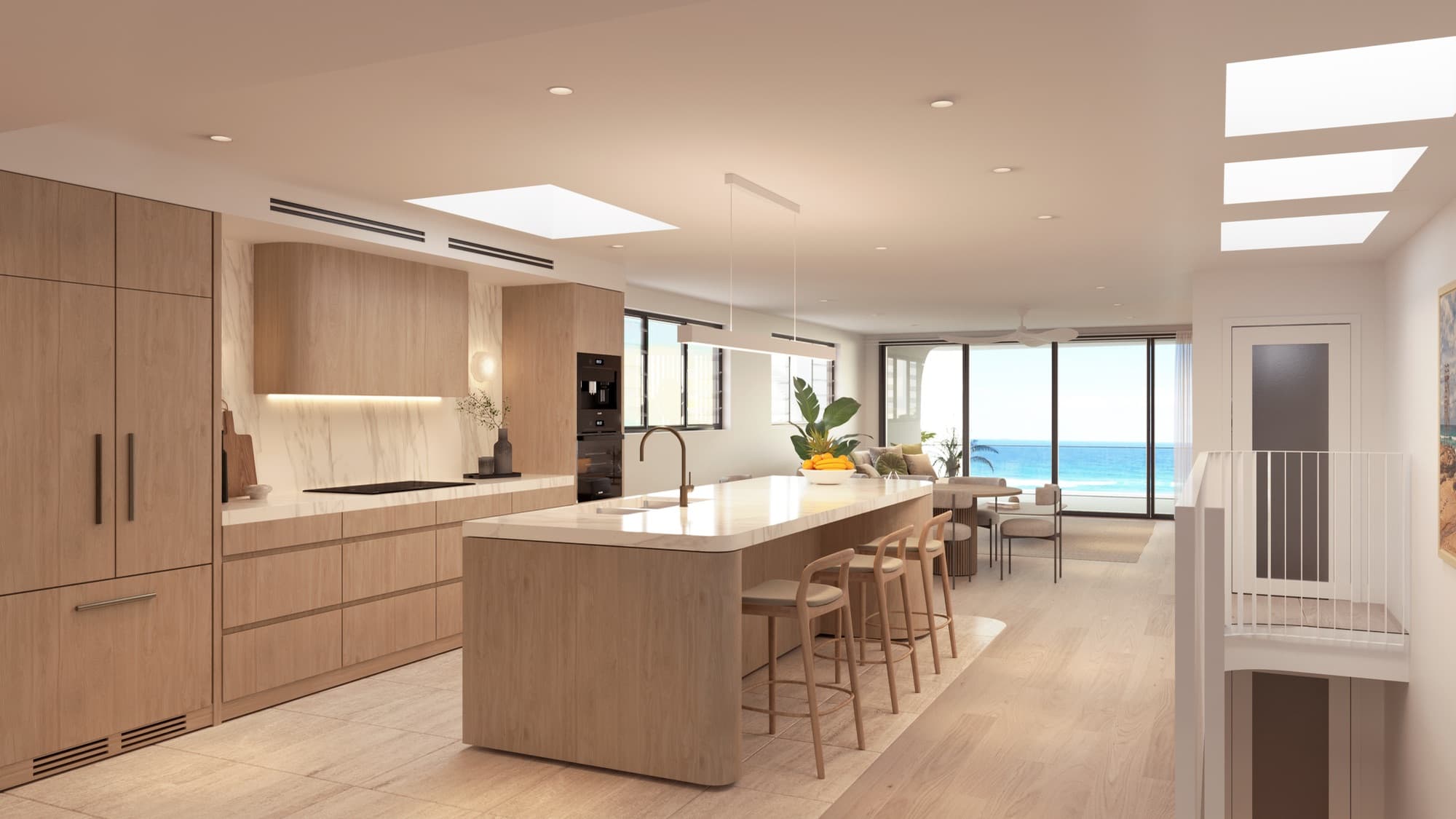
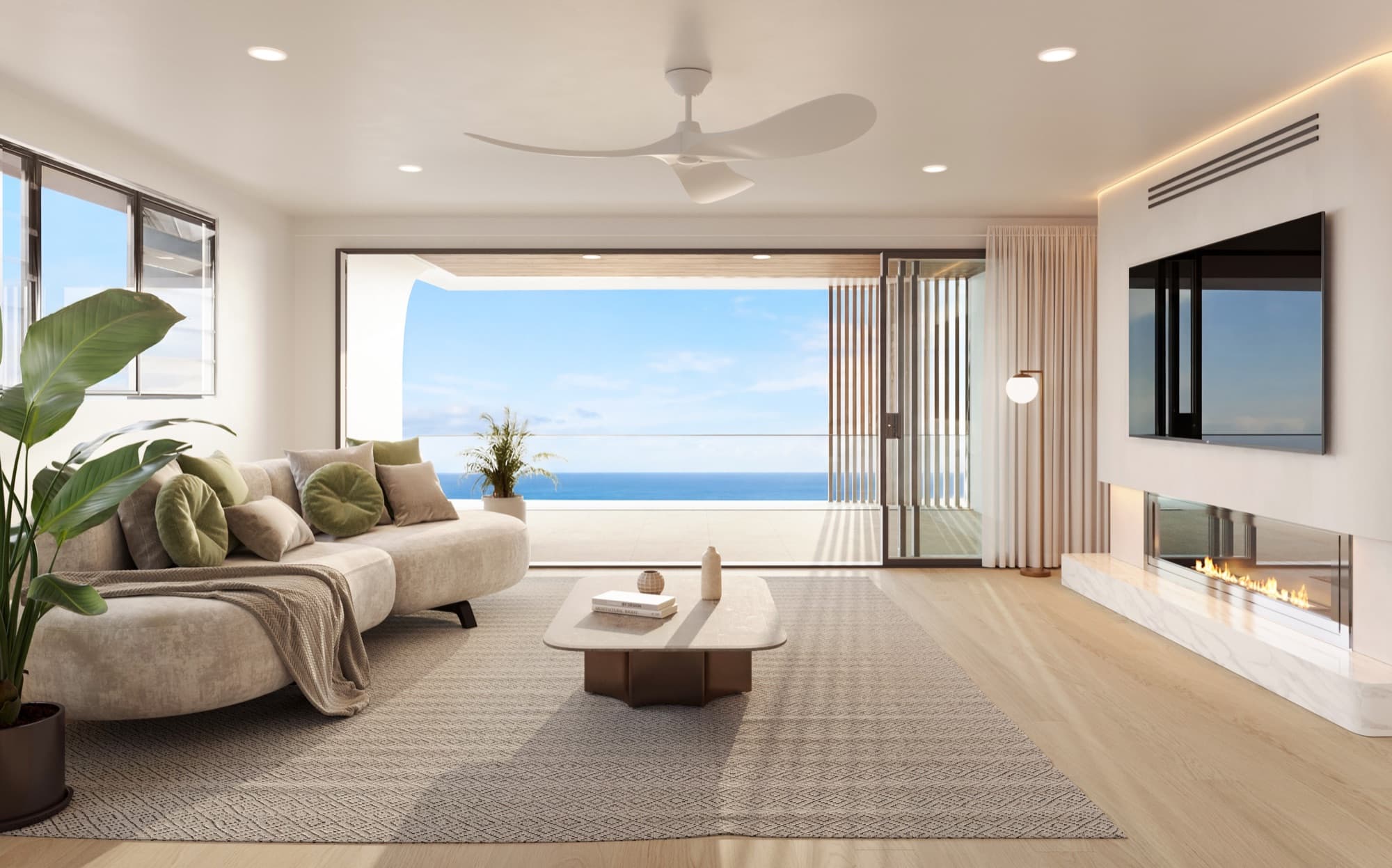
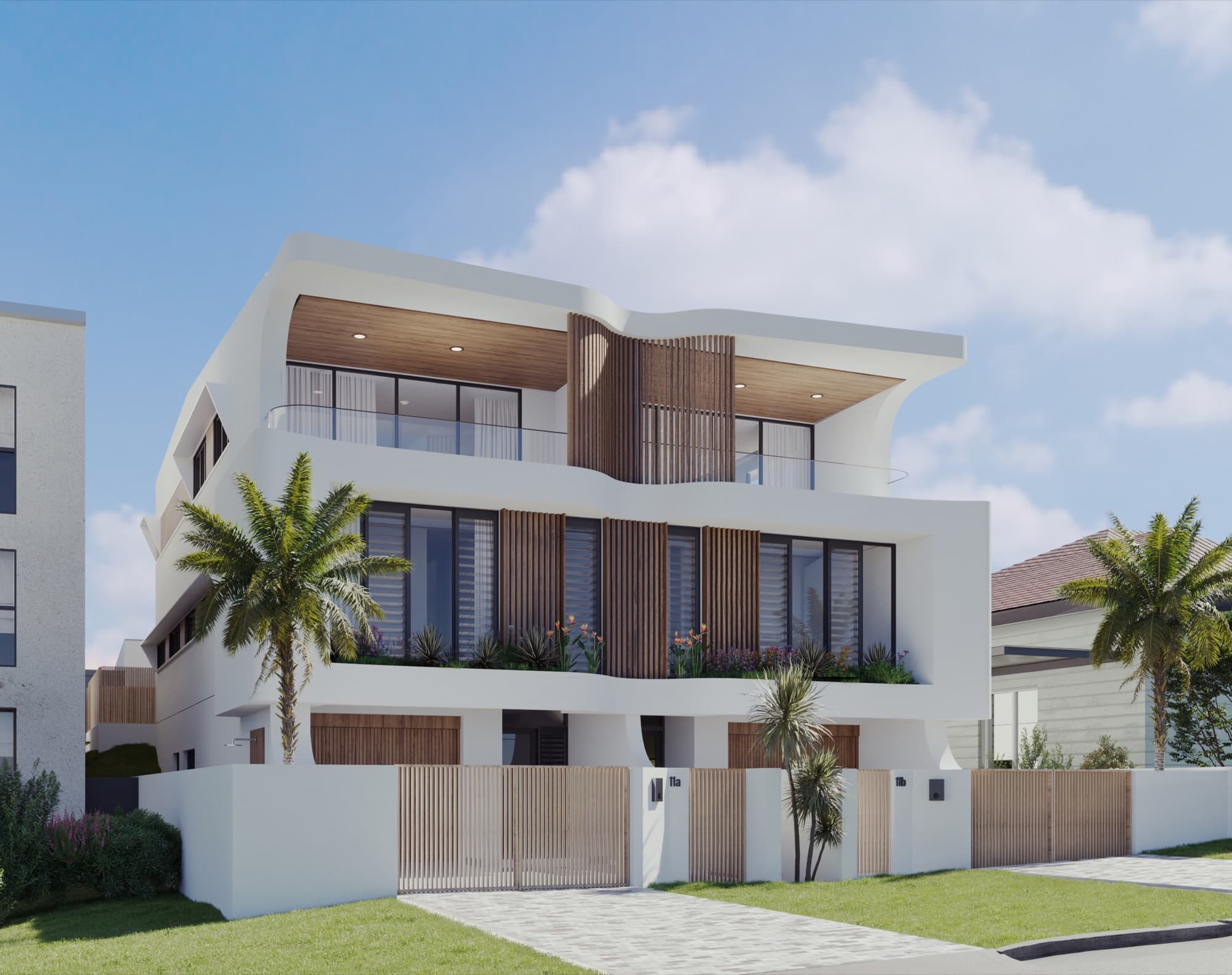
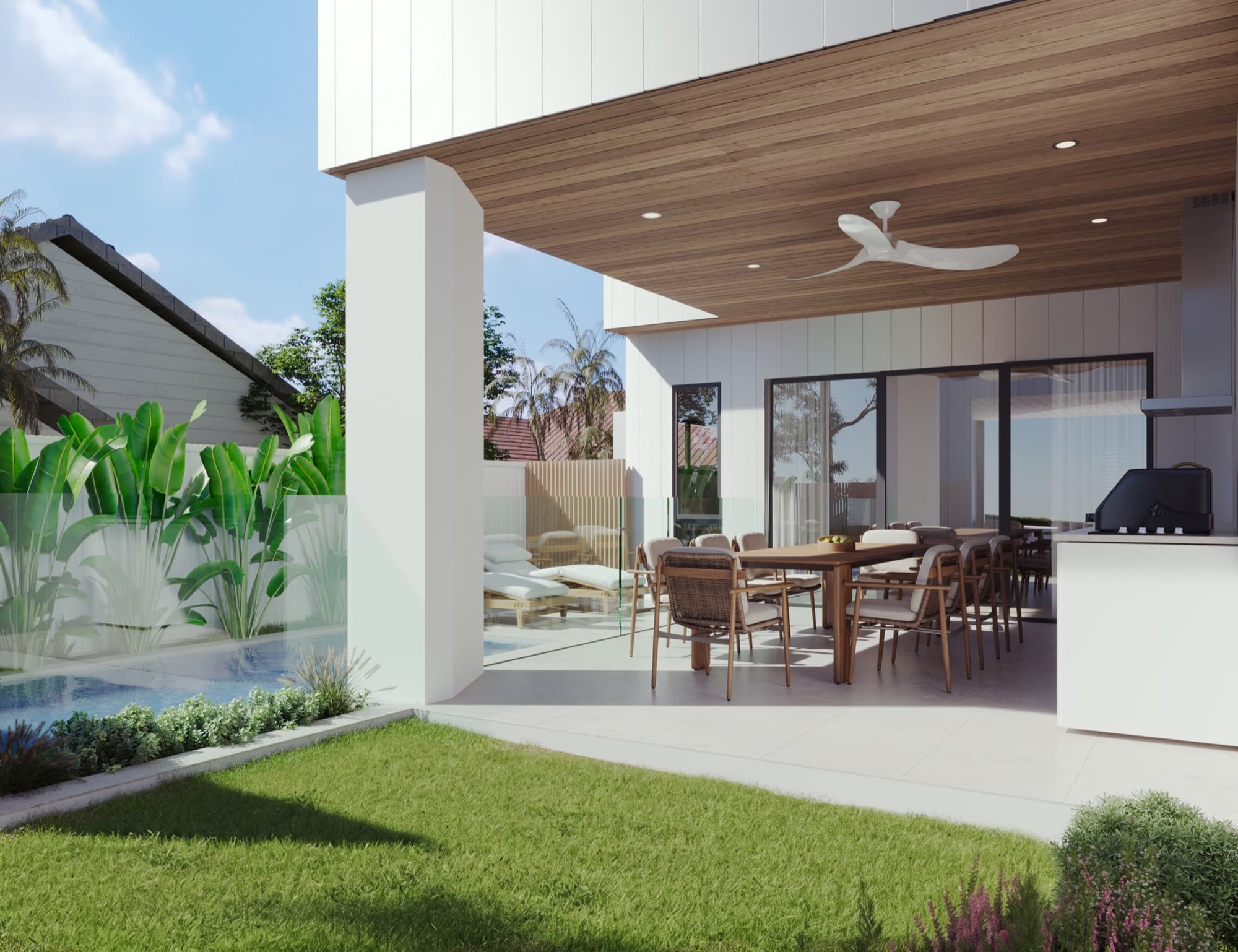
Choose the leading image by what it explains about the property. A complete street frontage may be the best introduction to a townhouse development. For a home with a distinctive living space, an interior may make the stronger first impression. Agree that choice with the agent and designer before producing all the supporting crops.
The realestate.com.au project-profile guidance recommends high-quality images and placing property imagery before wider project or amenity imagery. Use the opening images to make the homes understandable, then show the setting and supporting detail.
A short caption or filename should identify which residence an image represents. If several layouts differ, make those differences clear in the asset list. The townhouse and duplex shot-list guide explains how to scope those variations.
For the identity behind those assets, use the property development branding guide. It covers the name, visual direction and files needed for a consistent campaign.
How should the website and brochure work together?
Use the website as the current reference point and the brochure as a convenient document the buyer can keep. Both should use the same project name, approved imagery, floor-plan labels and contact details. When a plan changes, update the download as well as the page that links to it.
The website needs a clear route from an image to useful information and then to an enquiry. A visitor should be able to find the relevant home, inspect its plan and contact the right person without searching through unrelated pages. Our development website checklist sets out those sections.
Print and screen require different preparation. Ask the designer for brochure and signage dimensions before exporting the images, and agree where the logo and copy will sit. A beautiful wide render can become difficult to use if the final placement crops out the entrance.
When is video worth adding?
Include video when movement explains something valuable: the approach to the entrance, the link between the kitchen and courtyard, or the relationship between buildings. Decide what the film needs to communicate before choosing camera movements.
For Soleil in Redhead, the campaign combined stills with a build-up video that assembles the home on screen. That is a concrete creative approach, rather than a requirement for every project. The stills-versus-video guide helps decide which treatment fits your brief.
Who needs to check the assets before launch?
Assign a final approver for the design, the project facts and the public presentation. The architect or design lead can check the building and plans. The developer can confirm the selected finishes. The sales team can check residence names, availability and the route for enquiries.
Run a final launch check:
- Match every render to the current drawing and finish revisions.
- Check that floor plans and residence labels agree across the campaign.
- Open the website and brochure on a phone as well as a desktop.
- Test each enquiry form, download and contact link.
- Give the sales team a clearly named folder containing only approved assets.
- Record who updates the site and listings when project information changes.
What happens after the campaign goes live?
Keep the working asset library organised by purpose and revision. The agent should be able to find the current hero image, the relevant interior and the correct plan without asking which folder is final. Archive replaced files away from the active campaign set.
Use questions from enquiries to identify missing explanations. If buyers repeatedly ask how a courtyard connects to the living room, a better view or clearer plan may be more useful than another broad lifestyle image. Feed those observations into the next asset brief.
Frequently asked questions
What should be ready before an off-the-plan launch?
Prepare the approved renders, floor plans, project information, website, brochure and selected listing assets. Check the enquiry process and agree who maintains the information after launch.
Does every development need a video?
No. Video is useful when movement explains the home or setting better than still images alone. Start with the buyer questions and choose a film treatment that answers them.
Can one render set support several marketing channels?
Yes. Plan the cameras and outputs for the website, portals, brochure, signage and social placements. Some uses need separate crops or exports from the approved images.
Can Render Works prepare the full visual launch pack?
Render Works can provide renders, cinematic video, development websites and marketing collateral. Agree the deliverables with the studio and coordinate the listing and sales activity with your appointed team.

Build your launch pack around one clear brief
Share the plans, intended campaign channels and required deliverables. We will help bring the visual assets together.
Discuss your project